

Beginner’s Guide: 12 Easy-to-Use Sites That Deliver Higher-Intent Prospects Than Fiverr
If you’re new to freelancing or looking to hire talent online, you’ve probably heard of Fiverr. It’s a massive marketplace, but it’s not always the best fit for everyone, especially if you want clients or freelancers who are seriously committed to quality work. The good news? There are plenty of alternatives that are just as easy to use and often attract higher-intent prospects who are ready to invest in real results. This guide will walk you through 12 beginner-friendly platforms that can help you get started quickly, whether you’re selling your services or hiring someone to help grow your business.
- Legiit: A Simple, Focused Marketplace for Digital Services

Legiit is a great starting point for beginners because it focuses specifically on digital marketing and SEO services. The platform is straightforward, with clear categories and no confusing bells and whistles. You can browse services, check seller ratings, and make purchases without feeling overwhelmed.
What makes Legiit stand out is the quality of its user base. Sellers tend to be more specialized, and buyers are usually business owners or marketers looking for real, measurable results. This means less tire-kicking and more serious transactions. If you’re just getting started and want a platform that doesn’t require a steep learning curve, Legiit offers a clean interface and a community that values expertise over rock-bottom pricing.
- Upwork: A Beginner-Friendly Giant with Built-In Guidance
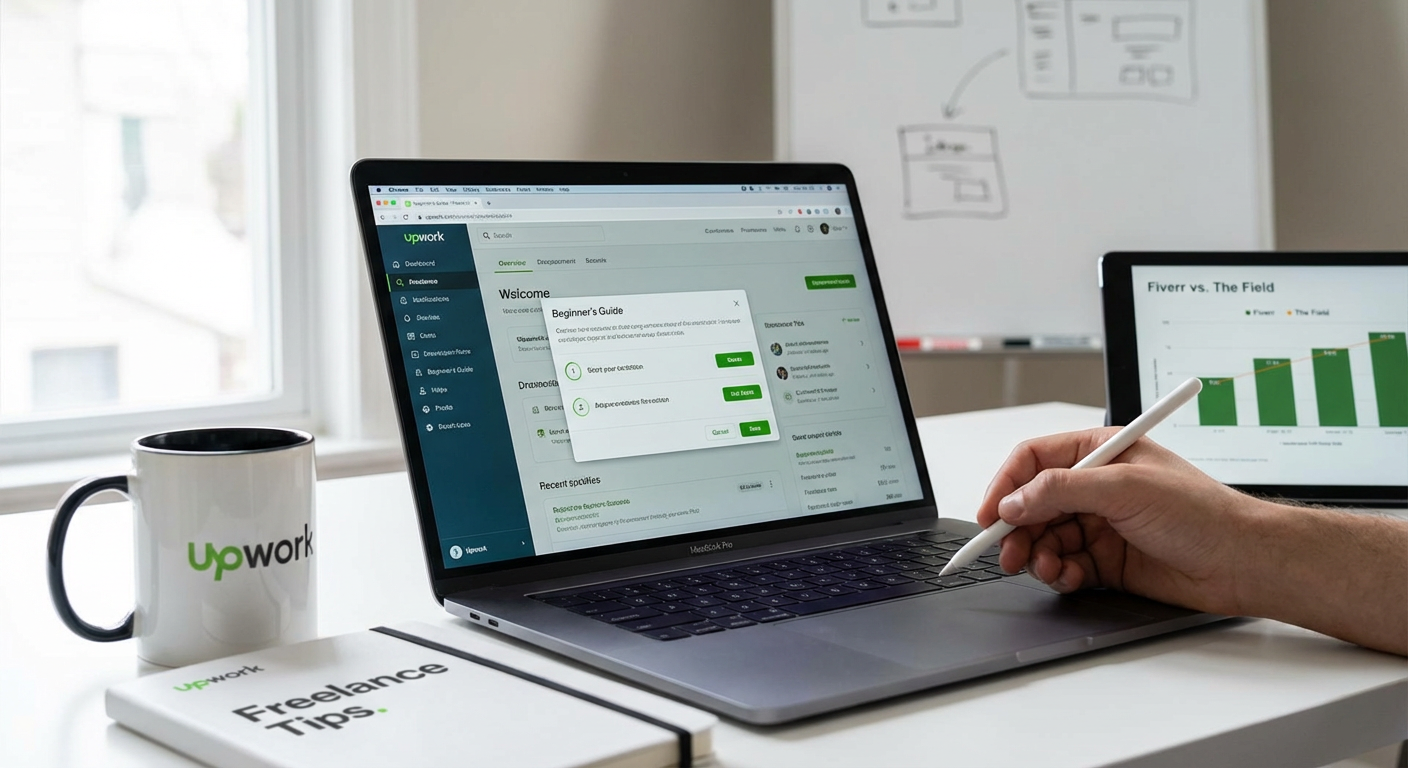
Upwork is one of the largest freelance platforms, and while that might sound intimidating, it’s actually designed with beginners in mind. The signup process is guided, and the platform offers helpful prompts to build your profile or post your first job.
Buyers on Upwork tend to post detailed job descriptions and budgets, which means you can quickly understand what they need and whether it’s a good fit. For freelancers, the proposal system teaches you how to pitch yourself effectively. The search and filter tools are intuitive, so you won’t spend hours trying to figure out how to find what you need. Upwork also has a built-in messaging system and payment protection, which makes the entire process safer and simpler for first-timers.
- Toptal: High-Quality Clients with a Smooth Onboarding Process
Toptal is known for being selective, but if you can get through their screening process, it’s one of the most beginner-friendly platforms in terms of client quality. The onboarding is clear and structured, so you know exactly what to expect.
Once you’re in, you don’t have to hunt for work or submit endless proposals. Toptal matches you with clients who are serious about hiring skilled professionals. This takes a lot of the guesswork out of freelancing. For beginners who want to skip the chaos of bidding wars and low-budget gigs, Toptal offers a more streamlined experience. Just be prepared to prove your skills upfront.
- Freelancer.com: Easy Setup with Plenty of Entry-Level Opportunities
Freelancer.com is another large marketplace, but it’s particularly welcoming to newcomers. The platform lets you create a profile quickly, and you can start bidding on projects right away without waiting for approval.
The interface is simple, with a dashboard that shows you relevant jobs based on your skills. There are contests and smaller gigs that are perfect for building your portfolio if you’re just starting out. While the competition can be stiff, the sheer volume of projects means there’s usually something for everyone. For buyers, posting a job is straightforward, and you can review bids and portfolios easily. It’s a solid choice if you want to dip your toes in without a big commitment.
- Guru: Clear Layout and Simple Project Management Tools
Guru is designed to be accessible, with a clean layout and intuitive navigation. You can set up your profile or post a job in just a few minutes, and the platform guides you through each step.
What makes Guru beginner-friendly is its WorkRoom feature, which keeps all communication, files, and payments in one place. This eliminates the confusion of juggling emails and different tools. Clients on Guru tend to be more invested in finding the right person for the job, rather than just the cheapest option. The payment system is transparent, and you can choose to pay hourly or by milestone, which gives you flexibility as you learn the ropes.
- PeoplePerHour: Quick Start for Freelancers and Buyers Alike
PeoplePerHour is a UK-based platform that’s known for being user-friendly and fast to get started. Freelancers can create a profile and set up “Hourlies,” which are fixed-price services that buyers can purchase instantly.
This setup is great for beginners because it removes the need to negotiate or write custom proposals for every job. Buyers appreciate the simplicity too, as they can browse services and hire someone in just a few clicks. The platform also has a straightforward project posting system if you need something more custom. PeoplePerHour strikes a nice balance between ease of use and access to quality talent.
- 99designs: Perfect for Beginners in Design Work
If you’re a designer or need design work done, 99designs is one of the easiest platforms to use. The site is built around design contests and one-to-one projects, and the process is very visual and easy to follow.
For buyers, you can launch a contest and receive dozens of design submissions, then pick the one you like best. For designers, contests are a great way to build your portfolio and get noticed without needing years of experience. The interface is clean, and the platform handles all the legal stuff like contracts and payments. It’s a low-stress way to get started in the design world.
- Behance: Simple Portfolio Sharing with Built-In Discovery
Behance is less of a traditional marketplace and more of a portfolio platform, but it’s incredibly beginner-friendly for creatives looking to attract higher-intent clients. You upload your work, tag it appropriately, and clients can find you through search or recommendations.
The setup is intuitive, and you don’t have to bid on jobs or write proposals. Instead, clients reach out to you directly if they like your work. This passive approach is ideal if you’re new and don’t want to spend all your time pitching. Behance users tend to be serious about quality, so the prospects you attract are usually looking for real talent, not just the lowest price.
- Thumbtack: Local Services Made Simple
Thumbtack is designed for local service providers, and it’s one of the easiest platforms to use if you’re just starting out. You create a profile, specify your service area and skills, and the platform matches you with nearby clients who need your help.
The app is mobile-friendly, and you can respond to leads quickly without needing a computer. Clients on Thumbtack are usually homeowners or small business owners who need something done locally, which means they’re ready to hire and less likely to haggle endlessly. For beginners, this takes a lot of the pressure off and lets you focus on delivering good work rather than marketing yourself constantly.
- SimplyHired: Job Board Simplicity with Freelance Options
SimplyHired is a job board that includes both full-time roles and freelance gigs. The interface is straightforward, with a search bar and filters that make it easy to find what you’re looking for.
For freelancers, this is a great way to find contract work without the complexity of bidding systems. You apply directly to job postings, just like a traditional job search. Employers on SimplyHired are often established companies looking for reliable help, which means you’re more likely to find higher-intent prospects who value your time and skills. It’s a simple, no-nonsense option for beginners who want to avoid the noise of crowded marketplaces.
- Dribbble: Easy Portfolio Showcase for Designers
Dribbble is another portfolio-based platform that’s perfect for designers who are just starting out. You upload shots of your work, and potential clients can browse, like, and reach out to you directly.
The platform is visually focused, so you don’t need to write long descriptions or proposals. Your work speaks for itself. Clients on Dribbble tend to be design-savvy and appreciate quality, which means they’re more willing to pay fair rates. The community is supportive, and you can learn a lot by seeing what other designers are doing. It’s a low-pressure way to get your name out there and start attracting serious clients.
- We Work Remotely: Straightforward Job Listings for Remote Work
We Work Remotely is a job board focused exclusively on remote positions, and it’s incredibly easy to use. The site lists full-time, part-time, and contract roles, all organized by category.
For freelancers and remote workers, this is a great place to find companies that are serious about hiring. There are no bidding systems or confusing algorithms. You simply browse the listings, read the job descriptions, and apply directly. Employers who post here are usually established businesses looking for reliable, skilled workers. This makes it a solid choice for beginners who want to connect with higher-intent prospects without the hassle of competing in a crowded marketplace.
Finding the right platform doesn’t have to be complicated. Each of these sites offers a beginner-friendly experience with access to clients and freelancers who are serious about quality work. Whether you’re looking for a simple setup, better client quality, or a more supportive community, there’s an option here that will fit your needs. Start with one or two platforms, get comfortable with how they work, and you’ll quickly find your groove. The key is to focus on places that value your skills and make it easy to connect with people who are ready to do business.
Recent Comments