
10 Budget-Friendly Productivity Tools Every Freelancer Needs Without Breaking the Bank
Running a freelance business means wearing many hats, and productivity tools can either drain your wallet or help you work smarter. The good news? You don’t need to spend a fortune on expensive software subscriptions to stay organized and efficient. This list focuses on affordable, high-value tools that deliver real results without the premium price tag. Whether you’re just starting out or looking to cut costs while maintaining quality, these budget-conscious options will help you manage your time, projects, and clients without financial stress.
- Legiit: Affordable Freelance Services and Digital Products
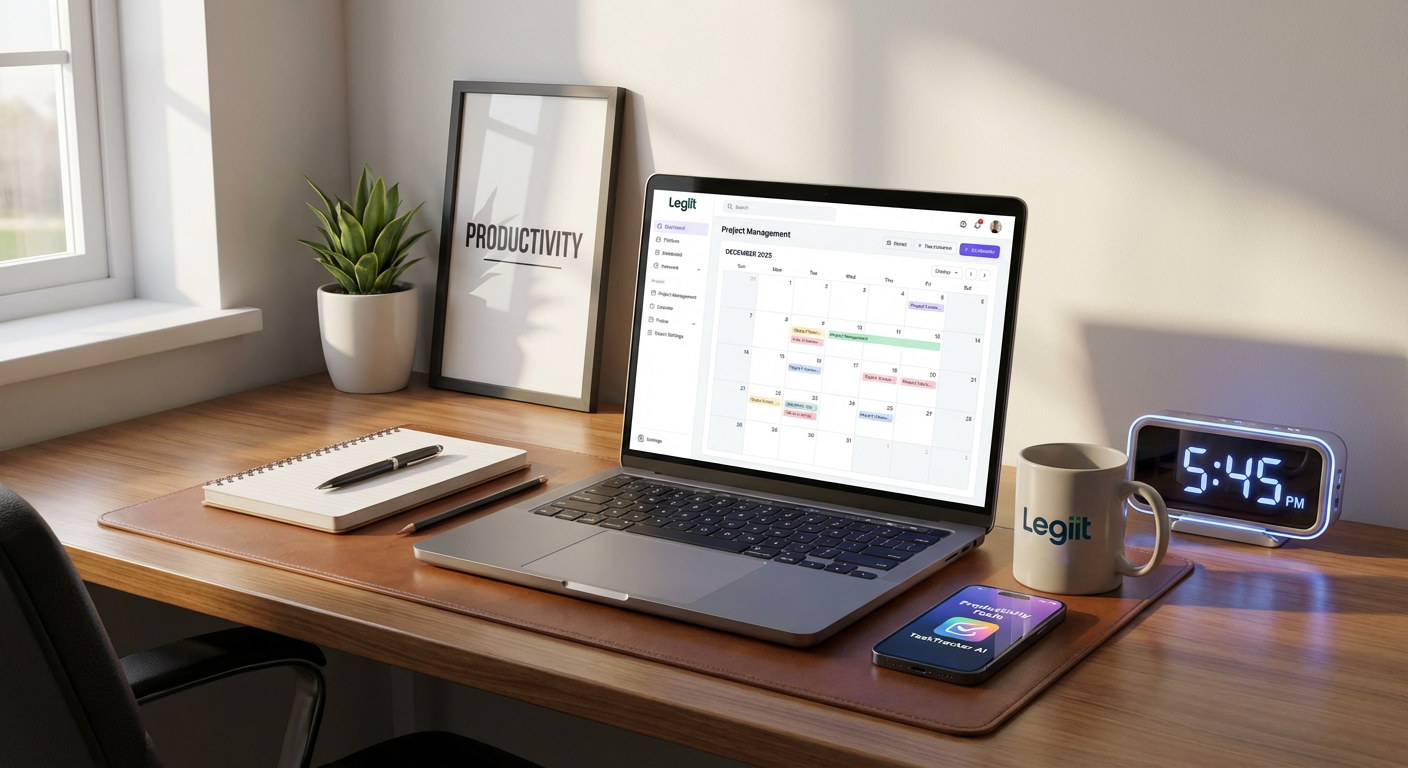
Legiit stands out as a marketplace where freelancers can both find affordable services and sell their own offerings without hefty platform fees. Unlike some competitors that take significant commission cuts, Legiit keeps costs reasonable for both buyers and sellers, making it ideal for budget-conscious freelancers. You can outsource tasks like graphic design, content writing, or social media management at competitive rates, freeing up your time for higher-paying client work.
The platform also lets you set up your own storefront to sell services, with transparent pricing and no hidden charges. Many freelancers use Legiit as a cost-effective way to build a client base while keeping overhead low. For those watching their expenses, it’s a practical alternative to pricier freelance platforms that eat into your margins.
- Trello: Free Project Management That Actually Works
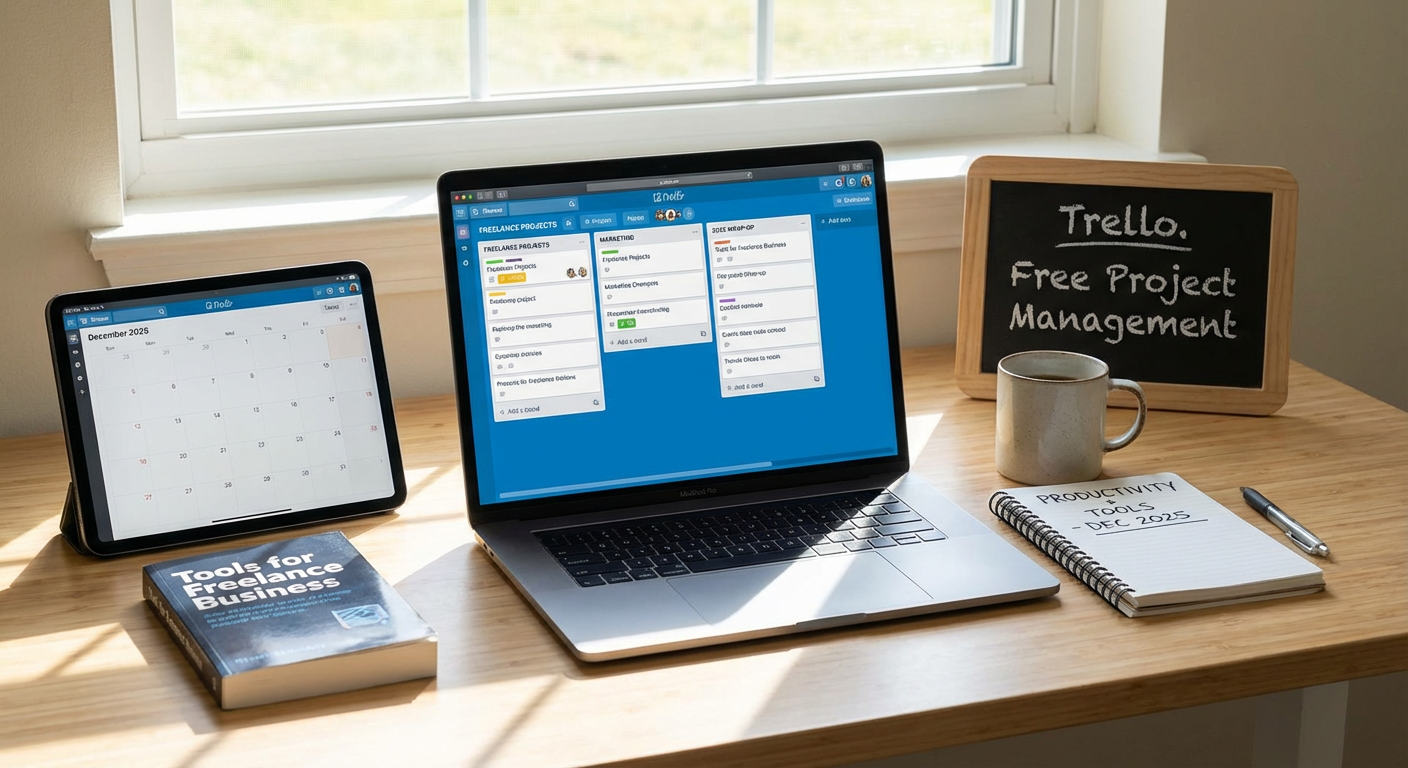
Trello offers a completely free tier that handles multiple projects, unlimited cards, and up to 10 boards per workspace. The visual board system makes it simple to track tasks, deadlines, and client projects without spending a dime. You can create custom workflows, add checklists, attach files, and collaborate with clients or team members all within the free plan.
The drag-and-drop interface requires almost no learning curve, so you can start organizing immediately instead of wasting hours on tutorials. Most freelancers find the free version more than sufficient for their needs. Power-ups and premium features exist, but unless you’re managing extremely complex operations, the basic tier covers daily project management beautifully.
- Wave: Completely Free Accounting Software
Wave provides genuinely free accounting, invoicing, and receipt scanning for freelancers with no monthly fees or hidden costs. You can track income and expenses, generate professional invoices, and even run financial reports without paying anything. The only charges come if you choose to use their optional payment processing services, but even those rates are competitive.
For freelancers who dread accounting tasks, Wave simplifies tax time by automatically categorizing transactions and storing everything in one place. The software connects to your bank account for automatic updates, saving hours of manual data entry. Compared to paid alternatives that charge $15 to $50 monthly, Wave delivers serious value for price-conscious solopreneurs.
- Google Workspace Free Tools: Drive, Docs, and Calendar
Google’s free suite includes 15GB of storage, full access to Docs, Sheets, Slides, and a shared calendar that syncs across all devices. These tools handle document creation, file storage, scheduling, and basic collaboration without any subscription fees. The real-time collaboration features let you work with clients directly in documents, eliminating endless email attachments.
The search functionality across Drive makes finding old files incredibly fast, and the automatic saving means you’ll never lose work due to a computer crash. While paid Google Workspace accounts offer more storage and custom email domains, the free tier covers the essentials for most freelancers. You’re already using Gmail anyway, so everything integrates smoothly without adding another login to remember.
- Toggl Track: Time Tracking With a Generous Free Plan
Toggl Track’s free version allows unlimited time tracking with up to five projects, giving freelancers clear insight into where their hours actually go. The one-click timer makes it effortless to track billable hours, and the simple reports show which clients or tasks consume the most time. This data becomes incredibly valuable when setting rates or deciding which projects deserve your attention.
The mobile and desktop apps sync automatically, so you can start a timer on your phone and stop it on your computer without missing a beat. Many freelancers discover they’ve been undercharging once they see the real time investment per project. The free tier includes enough features that most solo freelancers never need to upgrade, making it a smart choice for budget-conscious time management.
- Canva Free: Professional Design Without Designer Prices
Canva’s free account provides access to thousands of templates, stock photos, and design elements that help freelancers create professional-looking graphics without hiring a designer. You can make social media posts, presentations, proposals, and marketing materials using the drag-and-drop editor that requires zero design experience. The free library contains more than enough options for regular business needs.
While the Pro version offers additional features, the free tier handles everything from client presentations to Instagram graphics. You can resize designs for different platforms, download in various formats, and maintain brand consistency with saved color palettes. For freelancers who need decent visuals but can’t justify expensive design software subscriptions, Canva free strikes the perfect balance between capability and cost.
- Notion: All-in-One Workspace for Free
Notion combines notes, databases, task lists, and wikis in one free tool that replaces multiple paid subscriptions. You can build client databases, project trackers, content calendars, and knowledge bases all within the same platform. The flexibility means you customize it exactly to your workflow instead of forcing your process into someone else’s structure.
The free personal plan includes unlimited pages and blocks, which is more than sufficient for solo freelancers managing multiple clients and projects. Templates from the community provide ready-made systems for common freelance needs like client onboarding, content planning, and goal tracking. Once you learn the basics, Notion can replace several separate tools, reducing both monthly costs and the mental overhead of switching between different apps.
- Loom: Free Video Messages That Save Time
Loom’s free plan allows up to 25 videos with a five-minute limit per video, perfect for quick client updates, feedback, or explanations. Recording your screen with your face in a bubble takes seconds, and the shareable link means no large file attachments clogging email inboxes. A three-minute video often communicates more clearly than a lengthy email, saving both you and your clients valuable time.
Clients appreciate the personal touch of seeing and hearing you, which strengthens relationships without requiring video calls that eat up your schedule. You can record tutorials, walk through revisions, or explain complex concepts visually. The time saved on back-and-forth emails adds up quickly, making Loom a high-ROI tool even on the free tier.
- Clockify: Unlimited Free Time Tracking for Teams
Clockify offers completely free time tracking for unlimited users and projects, making it perfect for freelancers who occasionally collaborate or want detailed analytics. The straightforward interface tracks time by project and client, generating reports that help with invoicing and productivity analysis. You can see exactly how much time each client represents in your schedule.
The calendar view and timesheet features give you multiple ways to log hours, whether you prefer live timers or filling out time after the fact. Clockify also includes idle detection and reminders, helping you maintain accurate records without constant attention. For freelancers who need more robust tracking than Toggl’s free tier or want to include occasional contractors, Clockify delivers professional-grade features at zero cost.
- Grammarly Free: Clean Up Your Writing Instantly
Grammarly’s free version catches spelling, grammar, and basic punctuation errors across all your writing platforms, from emails to documents. The browser extension works everywhere you type, providing real-time suggestions that help you communicate more professionally with clients. Clear writing builds trust and reduces misunderstandings that lead to scope creep or revision requests.
While the premium version offers style and tone suggestions, the free tier handles the essential corrections that prevent embarrassing mistakes in client communications. The weekly reports show your accuracy and productivity stats, which can be surprisingly motivating. For freelancers who write frequently but can’t justify expensive editing software, Grammarly free provides significant value in protecting your professional reputation.
Building a productive freelance business doesn’t require maxing out your credit card on software subscriptions. These ten budget-friendly tools prove that you can stay organized, professional, and efficient while keeping your overhead low. Most offer free tiers that handle the core functions you need daily, and the few paid options deliver clear value for their reasonable costs. Start with the free versions, learn what works for your specific workflow, and only upgrade if you genuinely need additional features. Your bottom line will thank you, and your productivity won’t suffer one bit.
Recent Comments