
10 Proven Management Tools That Drive Measurable Results for Freelancers
Running a freelance business means wearing multiple hats, and without the right management tools, you’re leaving money and productivity on the table. This list focuses on tools that deliver concrete, measurable outcomes for freelancers who want to work smarter and grow faster. Each tool here has a track record of helping freelancers increase their billable hours, reduce administrative overhead, or improve client satisfaction scores. If you’re tired of vague promises and want systems that actually move the needle, these ten management tools will help you get there.
- Legiit for Client Acquisition and Project Management

Legiit stands out as a platform that directly impacts your bottom line by connecting you with clients who are ready to buy. Unlike general marketplaces where you compete with thousands of similar profiles, Legiit specializes in digital services, which means higher conversion rates for freelancers in marketing, design, writing, and development. The platform’s built-in project management features let you track deliverables and communicate with clients in one place, reducing the back-and-forth that eats into billable hours.
Freelancers using Legiit report measurable improvements in their monthly revenue because the platform handles much of the client vetting process. You spend less time chasing leads and more time doing paid work. The review system also builds your credibility automatically, creating a portfolio that converts browsers into buyers. For freelancers looking to scale without hiring a sales team, Legiit delivers consistent, trackable results.
- Toggl Track for Accurate Time Management
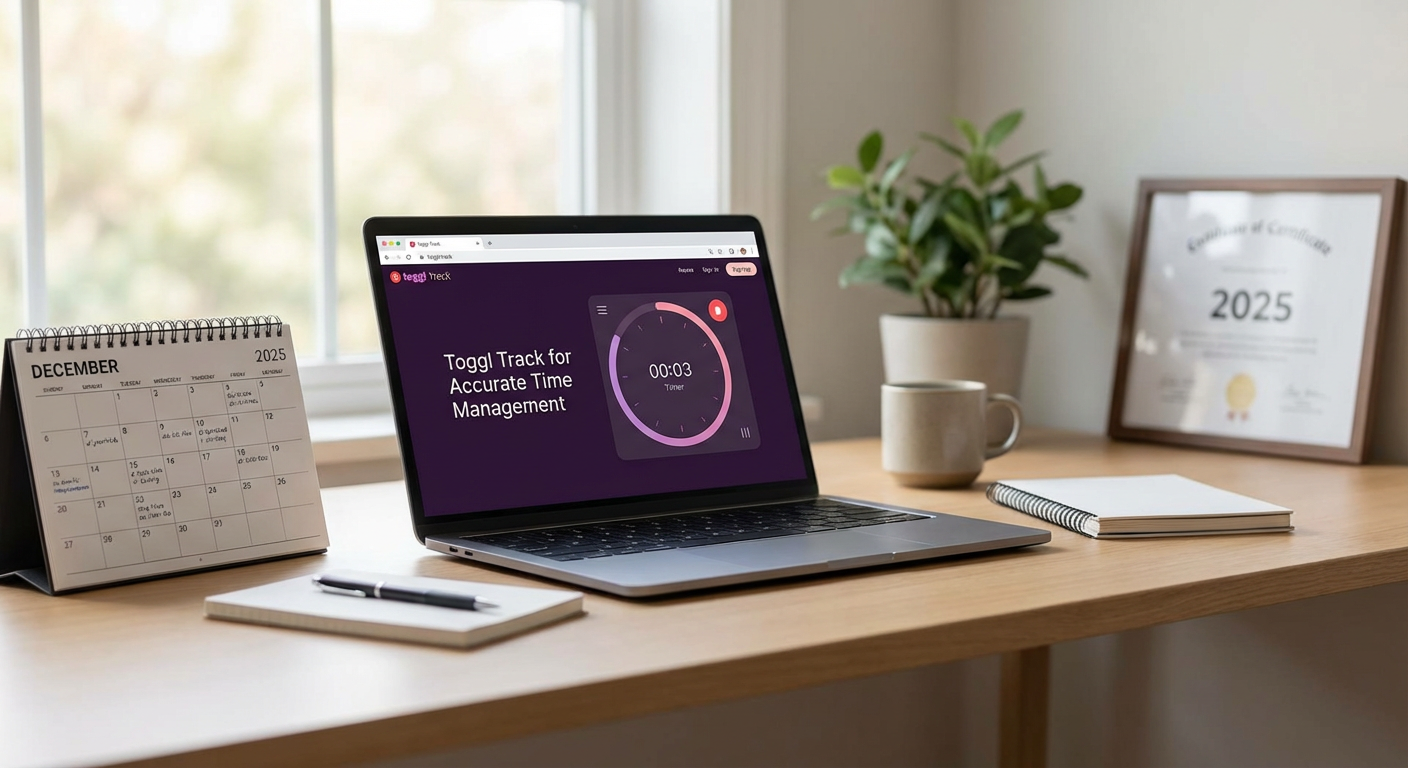
Toggl Track provides hard data on where your time actually goes, which is critical for freelancers who bill by the hour or want to optimize their productivity. The tool runs quietly in the background, logging every minute you spend on client work, administrative tasks, or breaks. At the end of each week, you get detailed reports showing exactly how much time each project consumed.
Freelancers who implement Toggl Track typically discover they’re spending 20 to 30 percent of their day on non-billable activities they didn’t even realize were happening. This awareness alone leads to immediate course corrections. You can also use the data to set more accurate project estimates, which reduces scope creep and increases profitability. The visual reports make it easy to spot patterns, like which clients require disproportionate amounts of revision time or which tasks drain your energy without adequate compensation.
- Asana for Project Completion Rates
Asana helps freelancers increase their on-time delivery rate, which directly impacts client retention and referral rates. The platform lets you break down large projects into smaller, manageable tasks with clear deadlines and dependencies. This structure prevents the common freelancer problem of underestimating how long a project will take or forgetting critical steps.
Studies show that freelancers using project management systems like Asana complete projects 15 to 25 percent faster than those relying on email and mental checklists. The visual timeline view shows you exactly when tasks are due and alerts you to potential bottlenecks before they become emergencies. You can also share project boards with clients, which reduces status update emails and builds trust through transparency. The mobile app ensures you stay on top of deadlines even when you’re away from your desk.
- QuickBooks Self-Employed for Financial Clarity
QuickBooks Self-Employed gives you real-time visibility into your profit margins, which is essential for making smart business decisions. The software automatically categorizes expenses, tracks mileage, and calculates quarterly tax estimates based on your actual income. This eliminates the guesswork that causes many freelancers to either overpay or underpay their taxes.
Freelancers using QuickBooks Self-Employed report saving an average of eight hours per month on bookkeeping tasks. The software also generates profit and loss statements instantly, so you can see which services are most profitable and which clients are worth keeping. This data helps you make evidence-based decisions about raising rates, dropping unprofitable services, or investing in new equipment. The integration with invoicing tools means you can track payment status without logging into multiple platforms.
- Calendly for Meeting Efficiency
Calendly eliminates the email ping-pong that wastes hours each week scheduling client calls. Instead of sending multiple messages back and forth trying to find a time that works, you share a link to your availability and let clients book directly. This simple change can save freelancers three to five hours per week, which translates to significant additional billable time over a month.
The tool also reduces no-shows by sending automatic reminders to both you and your clients. Freelancers report a 40 percent decrease in missed meetings after implementing Calendly, which means fewer rescheduling headaches and more consistent workflow. You can set buffer times between meetings to prevent back-to-back calls that leave you exhausted. The integration with video conferencing platforms means clients get the meeting link automatically, eliminating another common point of friction.
- Notion for Client Documentation and SOPs
Notion acts as a central knowledge base for all your client information, processes, and standard operating procedures. When everything lives in one searchable place, you spend less time hunting for that contract clause or trying to remember how a particular client prefers their deliverables formatted. This organization translates directly into faster turnaround times and fewer errors.
Freelancers who document their processes in Notion can onboard new clients 50 percent faster because they have templates and checklists ready to go. The database features let you track client preferences, project history, and communication notes in a structured way that actually gets used. You can also create templates for common deliverables, which speeds up your production time without sacrificing quality. The collaborative features make it easy to share specific pages with clients or contractors without giving them access to your entire workspace.
- HubSpot CRM for Client Relationship Tracking
HubSpot’s free CRM helps freelancers turn one-time clients into repeat customers by systematically tracking every interaction and opportunity. The platform logs emails, calls, and meetings automatically, giving you a complete history of your relationship with each client. This makes it easy to follow up at the right time with personalized messages that show you remember their specific needs and goals.
Freelancers using a CRM like HubSpot see a 25 to 35 percent increase in repeat business because nothing falls through the cracks. The pipeline view shows you exactly which prospects are close to signing and which need more nurturing. You can set reminders to check in with past clients who might need your services again, turning your contact list into a reliable revenue stream. The reporting features also show you which lead sources generate the most profitable clients, so you can focus your marketing efforts accordingly.
- Loom for Async Communication
Loom lets you record quick video messages that replace lengthy email explanations or unnecessary meetings. Instead of typing out detailed feedback or instructions, you can show and tell in a fraction of the time. This speeds up communication dramatically while reducing misunderstandings that lead to revision requests.
Freelancers report saving two to four hours per week by using Loom for client updates, design walkthroughs, and training videos. Clients also appreciate the personal touch of seeing your face and hearing your voice, which strengthens relationships without requiring synchronous meeting time. The videos are instantly shareable via link, and the platform tracks whether clients have watched them, so you know your message was received. Many freelancers also use Loom to create onboarding videos for new clients, which reduces the time spent on repetitive explanations.
- Trello for Visual Workflow Management
Trello’s board and card system provides a visual overview of your entire workload, which helps prevent overcommitment and missed deadlines. Each card represents a task or project, and you move cards across columns as work progresses from ideas to in-progress to completed. This simple system makes it immediately obvious when you have too much on your plate or when a project is stalling.
Freelancers using Trello report feeling more in control of their workload and experiencing less stress about forgetting important tasks. The ability to attach files, add checklists, and set due dates on each card means all the information you need lives in one place. You can create separate boards for different clients or project types, giving you the flexibility to organize work in whatever way makes sense for your business. The Power-Ups feature adds functionality like time tracking and calendar views without requiring you to learn a completely different tool.
- Slack for Client Communication Boundaries
Slack helps freelancers create clear communication boundaries with clients while maintaining responsiveness. Instead of giving clients your personal phone number or letting them text you at all hours, you can set up dedicated Slack channels for each client or project. This professionalism improves client perception while protecting your personal time.
Freelancers who move client communication to Slack report fewer interruptions during focused work time because messages arrive in a designated space rather than disrupting email or text messages. The platform’s status features let you signal when you’re available or deep in focused work, training clients to respect your boundaries. You can also search through conversation history easily, which is helpful when a client asks about something you discussed weeks ago. The file sharing and integration features reduce the need to switch between multiple apps, keeping your workflow smooth and efficient.
The right management tools do more than make your work easier. They directly impact your income, client satisfaction, and stress levels in ways you can measure and improve over time. Each tool on this list has proven itself with real freelancers who tracked their results and saw tangible improvements. Start with one or two tools that address your biggest pain points, implement them fully, and measure the impact before adding more. The goal isn’t to use every tool available, but to build a lean, effective system that supports your growth without adding complexity. Your freelance business deserves tools that work as hard as you do.
Recent Comments