
10 Beginner-Friendly Tools Every New Freelancer Needs Right Now
Starting a freelancing business can feel overwhelming when you’re staring at hundreds of tool recommendations and complicated software dashboards. The good news is that you don’t need a tech degree or a massive budget to get your freelance operation running smoothly. This list focuses on tools that are genuinely easy to learn, won’t intimidate you on day one, and will actually make your life simpler as you build your client base. Whether you’re just leaving your day job or testing the freelance waters on the side, these ten tools will help you look professional, stay organized, and get paid without a steep learning curve.
- Legiit for Finding Your First Clients and Services
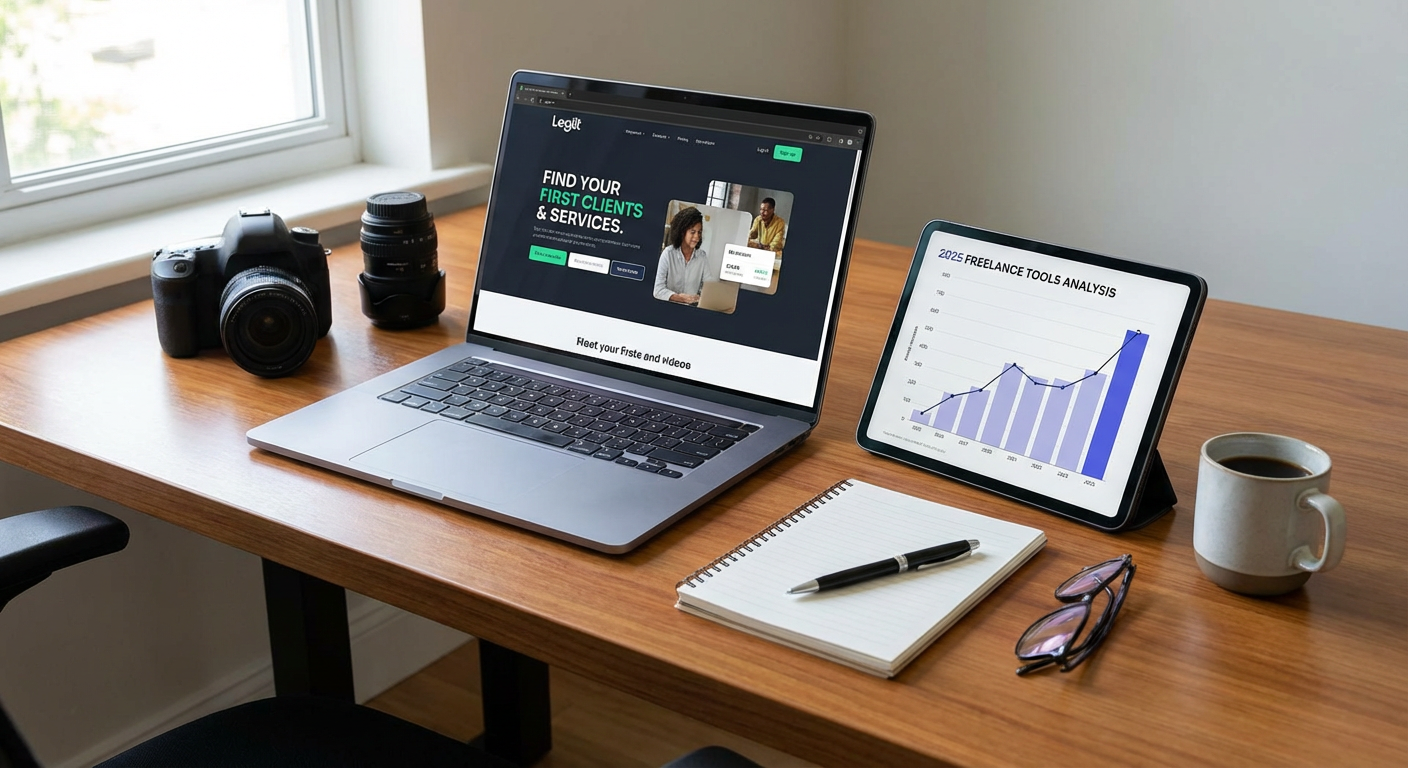
When you’re new to freelancing, the hardest part isn’t always doing the work itself. It’s finding people who will pay you for it. Legiit is a marketplace built specifically for freelancers and service providers, making it remarkably simple to set up your profile and start offering your skills. You don’t need to spend weeks building a fancy website or figuring out complex marketing funnels.
The platform walks you through creating service listings step by step, and you can browse what other freelancers are offering to get ideas for pricing and packaging your own work. For beginners, this removes much of the guesswork about what to charge and how to describe what you do. You can start small with one or two services, test what works, and expand from there. The interface is straightforward, and you’ll find a community of other freelancers who understand exactly what you’re going through.
- Wave for Simple Accounting That Makes Sense
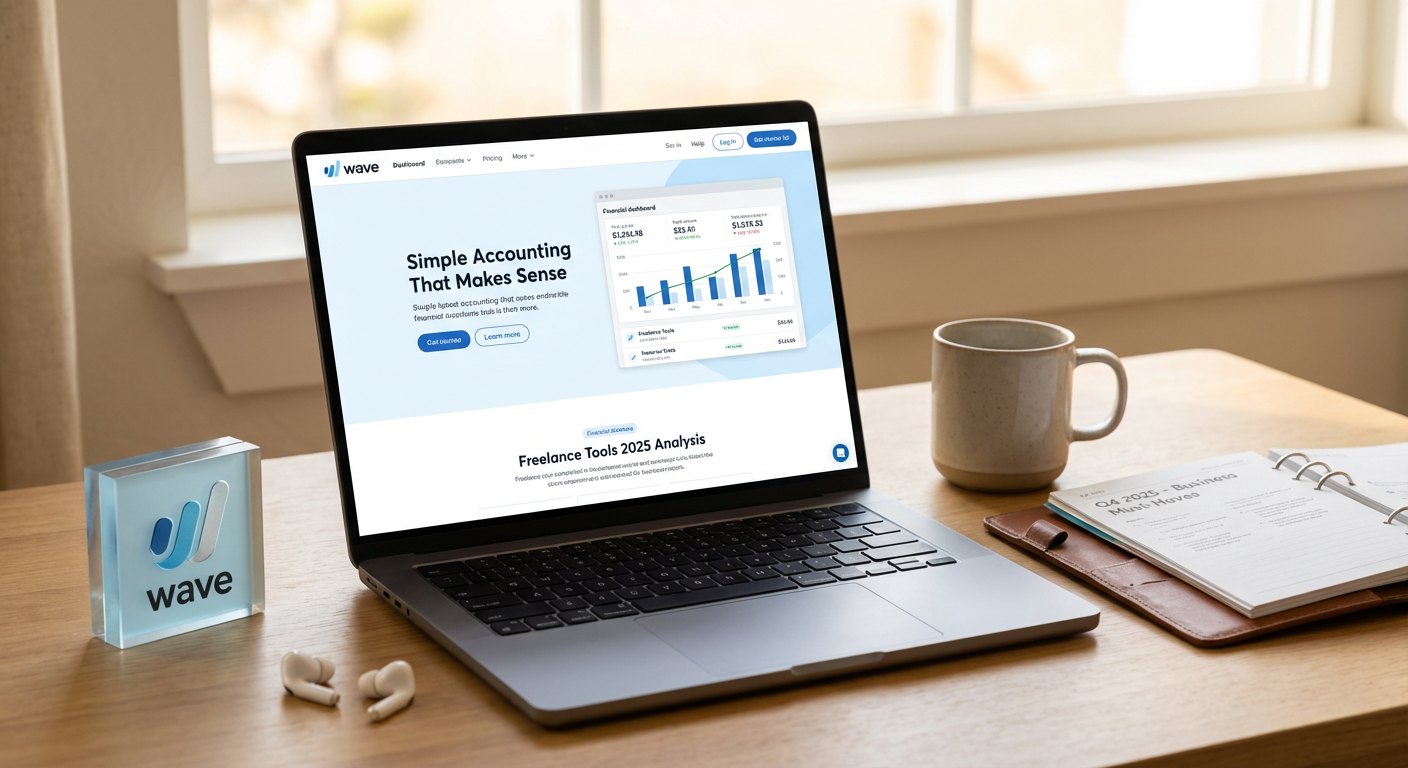
Most freelancers break out in a cold sweat when they hear the word accounting. Wave changes that by offering free accounting software designed for people who don’t have a finance background. You can create professional invoices in minutes, track your income and expenses, and even accept credit card payments directly through the platform.
The dashboard shows you exactly how much money is coming in and going out, without confusing jargon or complicated reports. When tax season arrives, you’ll have everything organized in one place instead of scrambling through shoeboxes of receipts. Wave also includes receipt scanning through a mobile app, so you can snap a photo of that coffee shop receipt and have it automatically categorized. For someone just starting out, this level of simplicity is priceless.
- Trello for Project Management Without the Headache
Keeping track of multiple client projects can quickly turn into chaos if you’re relying on sticky notes and memory alone. Trello uses a visual board system that feels more like organizing index cards than wrestling with complicated project management software. You create boards for different clients or projects, then add cards for individual tasks.
The drag and drop interface means you can move tasks from “To Do” to “In Progress” to “Done” without clicking through multiple menus. You can add due dates, attach files, and write notes on each card. If a client asks for a status update, you can glance at your board and know exactly where everything stands. Trello offers a free version that’s more than enough for most solo freelancers, and you can learn the basics in about fifteen minutes.
- Canva for Graphics When You’re Not a Designer
Even if you can barely draw a stick figure, you’ll need graphics for your freelance business. Social media posts, proposal covers, client presentations, and marketing materials all require some visual polish. Canva puts thousands of templates at your fingertips, each one designed by professionals and ready for you to customize.
You simply choose a template that’s close to what you need, swap out the text, maybe change a color or two, and you’re done. The editor works entirely in your browser, so there’s nothing to download or install. You can create everything from Instagram posts to business cards to presentation slides. The free version includes enough features and templates that most beginners never need to upgrade. If you can type and click, you can use Canva.
- Google Workspace for Email and File Organization
Sending proposals from a Gmail address that ends in “@gmail.com” doesn’t inspire confidence in potential clients. Google Workspace lets you use your own domain name for email, which immediately makes you look more established. Beyond professional email, you get access to Google Drive, Docs, Sheets, and Calendar, all working together smoothly.
Files are automatically saved and backed up in the cloud, so you’ll never lose work when your laptop decides to crash at the worst possible moment. You can share documents with clients for feedback, schedule meetings without the back-and-forth email tennis, and access everything from your phone when you’re away from your desk. The interface is familiar if you’ve ever used Gmail or Google Docs, which means the learning curve is practically flat. For a small monthly fee, you get a complete office suite that just works.
- Calendly for Scheduling That Doesn’t Waste Your Time
The “What time works for you?” email chain is one of the most frustrating parts of freelancing. You suggest Tuesday at two, the client counters with Wednesday at three, you’re busy then so you suggest Thursday morning, and suddenly you’ve exchanged eight emails just to schedule a thirty-minute call. Calendly solves this problem completely.
You connect your calendar, set your available hours, and send clients a link. They pick a time that works for them from the slots you’ve made available, and the meeting appears on both calendars automatically. You can set buffer times between meetings, block off personal time, and even create different meeting types with different durations. The free version handles most needs for solo freelancers. Setup takes about ten minutes, and then you never have to play email ping-pong about scheduling again.
- Grammarly for Writing That Looks Professional
Your clients might forgive a lot of things, but sloppy writing isn’t usually one of them. Grammarly acts like a personal editor who checks your work before you hit send. It catches spelling mistakes, grammar errors, and awkward phrasing in real time as you type. The browser extension works in Gmail, Google Docs, and most web applications, so you’re protected almost everywhere you write.
Beyond basic corrections, Grammarly offers suggestions to make your writing clearer and more confident. It might point out that you’re using too many passive voice constructions or that a sentence is unnecessarily wordy. The free version covers all the essentials, and the feedback helps you become a better writer over time. Even if English is your first language, we all have blind spots and typos that slip through. Grammarly catches them before your clients do.
- LastPass for Password Sanity
As a freelancer, you’ll accumulate accounts faster than you expect. Client portals, project management tools, payment processors, social media platforms, and dozens of other services all require passwords. Writing them down is risky, and using the same password everywhere is asking for trouble. LastPass stores all your passwords securely and fills them in automatically when you need them.
You only need to remember one master password, and LastPass handles the rest. It can generate strong, random passwords for new accounts, so you don’t have to think up variations on your dog’s name. The browser extension and mobile apps keep everything synced across your devices. The free version works well for individual users. Setting up LastPass takes about twenty minutes, including moving your existing passwords into the vault, and then you never have to struggle with forgotten passwords again.
- Loom for Quick Video Messages
Sometimes explaining something in writing takes three paragraphs when a two-minute video would make everything clear. Loom lets you record your screen, your face, or both simultaneously, then instantly creates a shareable link. This is perfect for giving clients feedback on their websites, walking through a deliverable, or explaining a concept that’s hard to put into words.
Clients can watch your video at their convenience and replay sections if needed. You can also use Loom to create quick tutorial videos or document your processes. The recorder is simple to use with just a few clicks to start and stop. The free plan includes enough recording time for most freelancers. Videos are hosted on Loom’s servers, so you don’t have to worry about file sizes or where to store them. This tool adds a personal touch to your client communication without requiring any video editing skills.
- Notion for Keeping Everything in One Place
Freelancers often end up with information scattered across notebooks, random text files, bookmarks, and various apps. Notion gives you one flexible workspace where you can store notes, create to-do lists, build databases, and organize all your reference material. Think of it as a digital notebook that can morph into whatever you need.
You can create a page for each client with meeting notes, project details, and relevant links all together. You can build a content calendar, track your income goals, or maintain a library of resources you reference frequently. The interface looks clean and modern, and templates help you get started quickly if you’re not sure how to structure things. Notion works in your browser and has apps for every device, keeping everything synced. The free personal plan is generous, and while Notion can get complicated if you want it to, you can also keep things simple and just use it as a better organized filing system.
- Toggl Track for Understanding Where Your Time Goes
When you’re new to freelancing, you might be shocked at how long tasks actually take compared to your estimates. Toggl Track is a dead-simple time tracking tool that helps you understand your work patterns. You click to start a timer when you begin a task, click again when you’re done, and add a quick description. That’s it.
Over time, you’ll see reports showing how many hours you spent on each client or project. This data is incredibly valuable when you’re setting prices or deciding whether a client is worth the time they require. You might discover that you’re spending four hours on tasks you’re billing as two hours, or that certain types of projects consistently take longer than others. The insights help you make smarter business decisions. The free version tracks everything you need as a solo freelancer. The interface is clean and uncluttered, with browser extensions and mobile apps that make tracking effortless even when you’re working from different locations.
Building a successful freelance business doesn’t require mastering dozens of complicated tools or spending a fortune on software subscriptions. These ten options were chosen specifically because they’re approachable for beginners, solve real problems you’ll face in your first months of freelancing, and won’t leave you feeling frustrated or overwhelmed. Start with the tools that address your most immediate needs, whether that’s finding clients, getting organized, or looking professional in your communications. You can always add more sophisticated tools later as your business grows and your needs become more specific. For now, focus on the basics, serve your clients well, and let these simple tools handle the background work so you can concentrate on what you do best.
Recent Comments