

20 Enterprise-Ready Tasks You Should Automate Right Now to Free Up 10+ Hours Weekly
For corporate teams and decision-makers, time is money at scale. When inefficiencies multiply across departments, even small delays compound into massive productivity losses. This list focuses on automation opportunities built for large organizations that need security, compliance, and the ability to handle complex workflows across multiple teams. If you’re responsible for operational efficiency at the enterprise level, these automations will help you reclaim significant time while maintaining the controls and oversight your organization requires.
- Outsource Specialized Projects Through Legiit

Large organizations often struggle with project bottlenecks when specialized skills are needed temporarily. Legiit provides a marketplace where enterprises can connect with vetted professionals for specific tasks like content creation, technical implementation, or marketing campaigns. Instead of lengthy hiring processes for short-term needs, your team can delegate projects to qualified freelancers who deliver results without the overhead of traditional staffing. This approach works particularly well for seasonal demands or pilot programs where you need expertise without long-term commitments. The platform handles contracts and payments, reducing administrative burden on your procurement team.
- Deploy Centralized Email Routing Systems
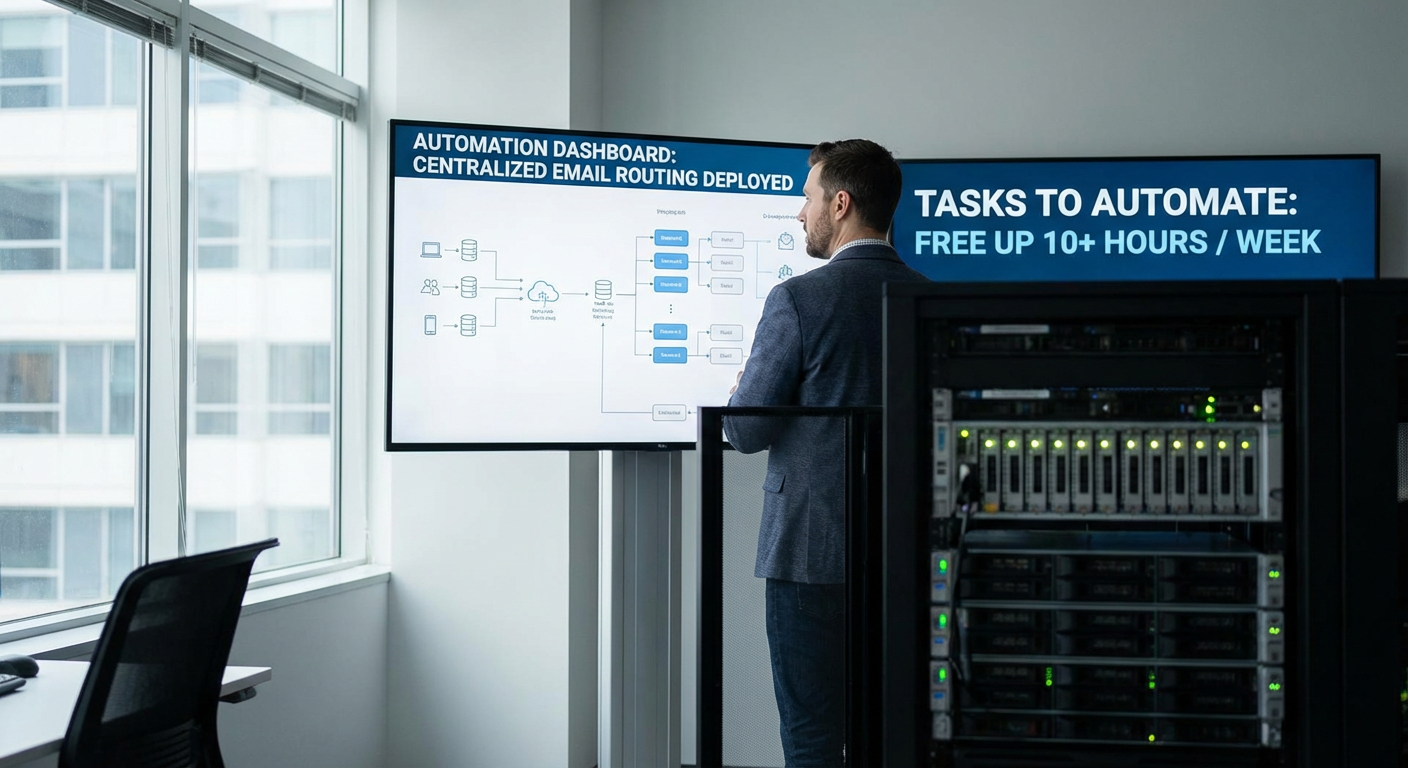
Enterprise inboxes receive thousands of messages daily, many of which get misdirected or require manual sorting. Implement automated routing that analyzes incoming email content and directs messages to the appropriate department or team member based on keywords, sender domain, or message type. Advanced systems can prioritize urgent requests, flag compliance-related communications, and archive routine notifications automatically. This reduces response times and ensures nothing critical gets buried in overcrowded inboxes.
- Automate Compliance Monitoring and Reporting
Regulatory compliance consumes enormous resources in large organizations. Set up automated systems that monitor activities across departments and flag potential violations before they become problems. These tools can track data handling practices, financial transactions, employee certifications, and vendor agreements against your compliance requirements. Automated monthly or quarterly reports compile this information in formats ready for auditors, saving legal and compliance teams dozens of hours. The system maintains audit trails automatically, creating documentation that would otherwise require manual record-keeping.
- Implement Smart Contract Management Workflows
Contracts pile up quickly in enterprise environments, creating renewal chaos and missed deadlines. Automation platforms can track contract lifecycles, send renewal reminders at configurable intervals, and route documents through approval chains without manual intervention. The system can extract key dates and terms automatically, populate databases, and trigger procurement processes when renewals approach. Some solutions integrate with e-signature platforms to close the loop entirely, turning a week-long process into something that happens in hours.
- Set Up Automated Security Incident Response Protocols
When security threats emerge, speed matters tremendously. Configure automated response workflows that trigger immediately when monitoring systems detect anomalies. These can isolate affected systems, notify relevant teams through multiple channels, initiate data backup procedures, and begin logging activities for forensic analysis. While human oversight remains essential, automation handles the first critical minutes when delays could allow threats to spread. This reduces your mean time to response from hours to seconds.
- Streamline Multi-Level Approval Processes
Large organizations often require multiple sign-offs for purchases, policy changes, or project approvals. Digital workflow automation routes requests through approval chains based on amount, department, or request type. Approvers receive notifications with all relevant context, can approve or deny with comments, and the system automatically moves to the next level or back to the requester. This eliminates email chains, reduces approval cycles from weeks to days, and creates transparent records of all decisions.
- Deploy Automated Onboarding Sequences for New Employees
Employee onboarding involves dozens of tasks across IT, HR, facilities, and departmental teams. Build automated workflows that trigger on a hire date, provisioning accounts, assigning equipment, scheduling training sessions, and sending welcome materials without manual coordination. Integration with your HR system ensures new employees have everything ready on day one. The automation can also handle periodic check-ins during the first 90 days, collecting feedback and ensuring nothing falls through the cracks. This standardizes the experience while freeing HR staff from repetitive coordination tasks.
- Create Automated Data Backup and Verification Systems
Data loss is catastrophic for enterprises, yet manual backup processes are unreliable and time-consuming. Implement automated backup systems that run on schedules appropriate to your data sensitivity, verify backup integrity automatically, and alert administrators only when issues arise. These systems can handle incremental backups throughout the day and full backups during off-hours, all while maintaining version history for recovery purposes. Automated testing of restoration processes ensures your backups actually work when needed.
- Automate IT Asset Tracking and Lifecycle Management
Tracking thousands of devices, licenses, and infrastructure components manually leads to waste and security gaps. Asset management automation discovers devices on your network, tracks software licenses, monitors hardware age and performance, and flags assets approaching end-of-life. The system can trigger procurement workflows when replacements are needed and automatically update inventory when assets are deployed or retired. This prevents license violations, reduces unnecessary purchases, and ensures timely hardware refreshes.
- Implement Automated Financial Reconciliation
Finance teams spend countless hours matching transactions across systems and identifying discrepancies. Automated reconciliation tools compare data from multiple sources, flag mismatches based on your rules, and generate exception reports for human review. Simple matches get processed automatically while complex issues receive appropriate attention. This reduces month-end close times significantly and catches errors that might otherwise go unnoticed until audits. The system maintains detailed logs for compliance purposes.
- Set Up Automated Vendor Performance Monitoring
Enterprises work with hundreds of vendors, making performance tracking nearly impossible manually. Configure systems that automatically collect service level data, track delivery times, monitor quality metrics, and compile scorecards for each vendor relationship. Automated alerts notify procurement teams when vendors fall below acceptable thresholds, triggering review processes before small issues become major problems. This data-driven approach improves vendor negotiations and helps identify relationships that need attention or termination.
- Deploy Automated Customer Support Triage
Enterprise support teams handle high volumes of inquiries with varying complexity and urgency. Intelligent triage systems analyze incoming support requests, categorize them by issue type and severity, and route them to appropriate specialists or queues. Simple questions get automated responses with knowledge base articles, while complex issues reach senior staff immediately. The system learns from resolution patterns to improve routing accuracy over time. This reduces first response times and ensures resources focus where they add the most value.
- Automate Cross-Department Resource Scheduling
Conference rooms, specialized equipment, and shared resources create scheduling headaches in large organizations. Automated booking systems with intelligent conflict resolution handle reservations, send reminders, and optimize resource utilization. Advanced versions can suggest alternative times when conflicts occur, automatically release unused reservations, and generate utilization reports to inform capacity planning. Integration with calendar systems means employees interact with familiar tools while the backend handles complex coordination.
- Create Automated Reporting Dashboards for Leadership
Executives need current data but analysts spend days compiling reports manually. Automated dashboard systems pull data from multiple sources continuously, apply relevant calculations, and present information in formats tailored to different leadership levels. These refresh automatically so stakeholders always see current metrics. Scheduled distribution sends summary reports to inboxes at defined intervals. This eliminates repetitive analysis work while giving leaders faster access to information they need for decisions.
- Implement Automated Policy Acknowledgment Tracking
Ensuring thousands of employees review and acknowledge updated policies is a logistical nightmare. Automated systems distribute policy documents, track who has reviewed them, send reminders to those who haven’t, and compile completion reports for compliance purposes. The system can require quiz completion or signature for critical policies, maintaining timestamped records of all interactions. This transforms a months-long manual process into something that completes in days while providing better documentation.
- Set Up Automated Inventory Reordering Systems
Stockouts and overstock both cost enterprises significant money. Automated inventory systems monitor stock levels in real time, predict demand based on historical patterns, and trigger purchase orders when reorder points are reached. These can account for lead times, seasonality, and minimum order quantities while optimizing for cost and storage constraints. Integration with supplier systems can automate the entire procurement cycle from need identification through delivery confirmation. This maintains optimal inventory levels without constant manual monitoring.
- Deploy Automated Expense Report Processing
Finance teams review thousands of expense reports, checking policy compliance and coding to appropriate accounts. Optical character recognition and machine learning systems can extract data from receipts, verify amounts against policy limits, flag suspicious patterns, and route exceptions for human review. Compliant reports get approved and processed automatically. This reduces processing time from days to hours while improving accuracy and fraud detection. Employees get reimbursed faster and finance teams focus on genuine issues rather than routine approvals.
- Automate Software Deployment and Updates
Keeping software current across thousands of endpoints is resource-intensive and security-critical. Automated deployment systems push updates during maintenance windows, verify successful installation, and roll back problematic updates automatically. These can stage rollouts to test groups before broad deployment and generate compliance reports showing patch status across your environment. This reduces vulnerability windows while freeing IT staff from repetitive deployment tasks. The systems can handle everything from security patches to major application upgrades.
- Create Automated Quality Assurance Testing Pipelines
Manual testing of software changes is slow and inconsistent. Automated testing frameworks run comprehensive test suites whenever code changes, catching bugs before they reach production. These can test functionality, performance, security, and compatibility across different configurations. Failed tests block deployment automatically and notify developers with detailed failure information. This accelerates release cycles while maintaining quality standards. The time saved compounds with each release as the test library grows.
- Implement Automated Meeting Scheduling Across Time Zones
Coordinating meetings across global teams involves endless email exchanges checking availability. AI-powered scheduling assistants analyze participant calendars, account for time zone differences and working hours, suggest optimal meeting times, and send invitations automatically once participants confirm. These tools can reschedule when conflicts arise and ensure meeting materials are distributed in advance. For enterprises with distributed teams, this eliminates hours of coordination overhead while respecting regional preferences and availability constraints.
Enterprise automation is not about replacing people but about freeing them from repetitive coordination and administrative work that computers handle better. The automations in this list address common pain points in large organizations where manual processes simply cannot scale effectively. Start with the areas causing the most friction in your operations, ensure proper security and compliance controls are in place, and expand as you see results. The time savings multiply across your organization, turning hundreds of hours of manual work into systematic processes that run reliably in the background.
Recent Comments