
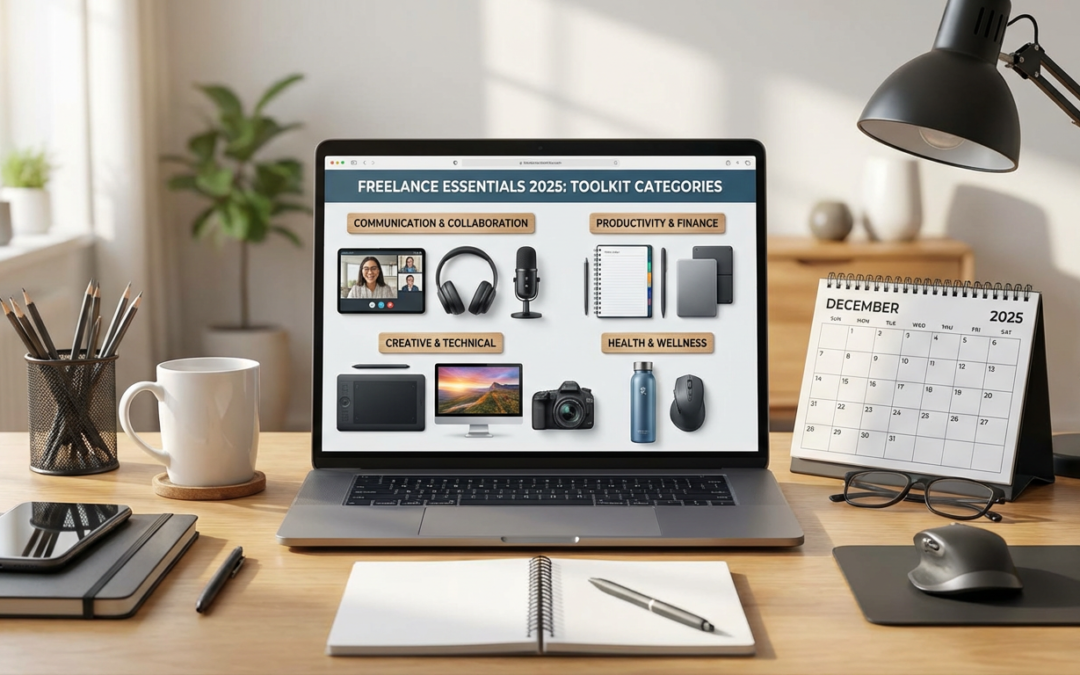
10 Actionable Freelancing Tools You Can Start Using Today, Organized by Real-World Application
Running a successful freelancing business means having the right tools at your fingertips, ready to handle everything from finding clients to getting paid on time. This list organizes essential tools by their practical application in your daily workflow. Each recommendation includes specific tips on how to implement them right away, so you can start improving your freelancing operations immediately. Whether you’re just starting out or refining your established business, these tools will help you work smarter and deliver better results for your clients.
- Legiit for Client Acquisition and Service Delivery

Start by setting up your seller profile on Legiit, a marketplace built specifically for freelancers offering digital services. The platform connects you with clients actively looking for services like writing, design, marketing, and development work. Create three to five service packages at different price points to appeal to various budget levels, and make sure each package clearly explains what clients will receive and how long delivery will take.
The practical advantage here is that Legiit handles the payment processing, dispute resolution, and client communication in one place. You can focus on delivering great work instead of chasing invoices or negotiating terms from scratch with every new client. Add detailed descriptions and samples of your work to each listing, and check your dashboard daily to respond quickly to inquiries. This immediate responsiveness often makes the difference between winning a project and losing it to another freelancer.
- Time Tracking Software for Billing Accuracy
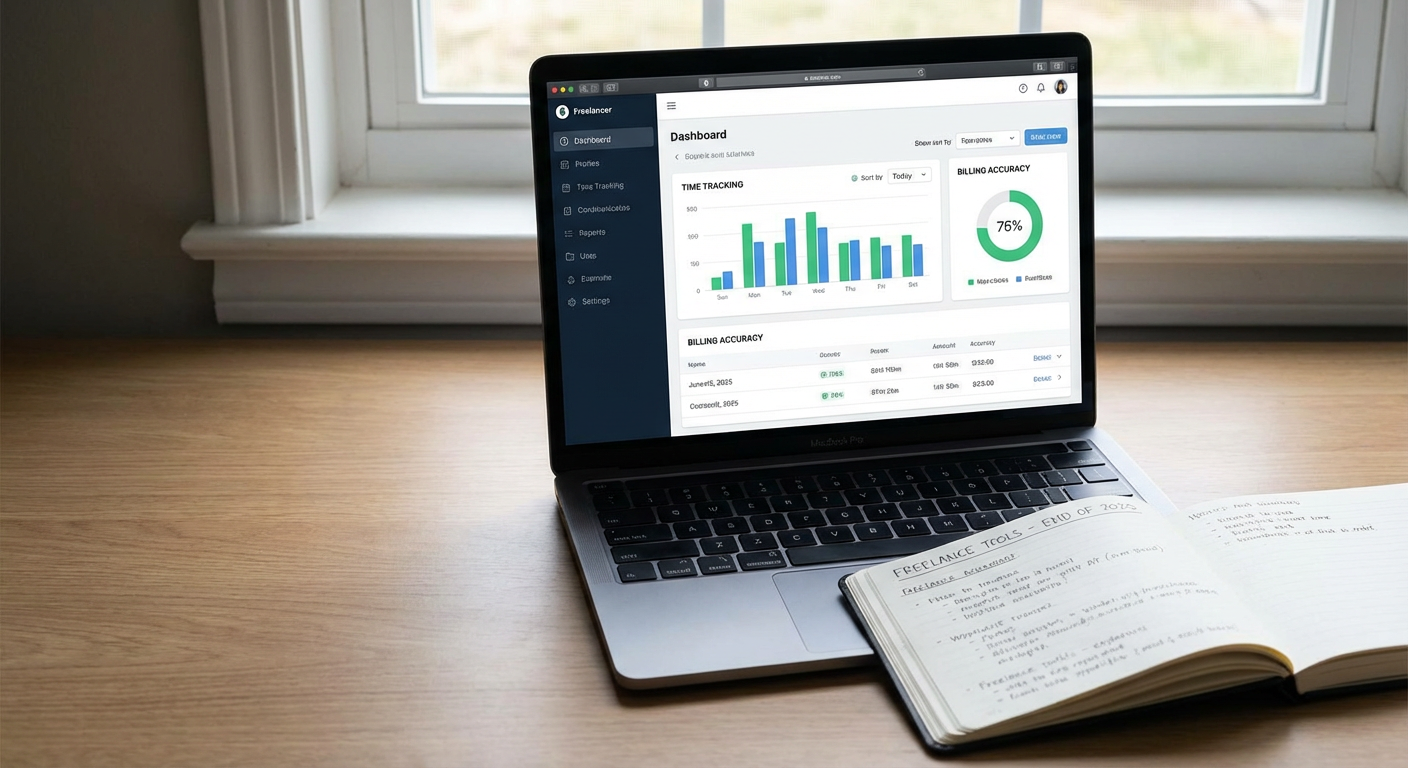
Install a time tracking application like Toggl Track or Clockify on both your computer and phone, then create a project for each active client. Start the timer every time you begin work, and stop it when you take breaks or switch tasks. This simple habit gives you accurate data for billing hourly clients and helps you understand which types of projects consume the most time.
Review your time reports weekly to identify patterns. If a certain type of task consistently takes longer than you estimated, adjust your pricing or project timelines accordingly. Many freelancers discover they’ve been undercharging for specific services once they see the actual hours invested. Set up automatic reminders to start your timer if you tend to forget, and use the detailed reports when discussing scope changes with clients who request additional work beyond the original agreement.
- Cloud Storage for File Management and Client Access
Choose a cloud storage service like Google Drive or Dropbox and create a standardized folder structure for all client work. Organize folders by client name, then create subfolders for drafts, finals, assets, and invoices. This system makes it easy to find any file within seconds and ensures nothing gets lost on your local hard drive.
Share specific folders with clients so they can access files directly without you having to send attachments through email. Set permissions to view-only unless the client needs to upload reference materials. Back up completed projects monthly to an external hard drive as a secondary safety measure. When you finish a project, move it to an archive folder instead of deleting it, because clients often return months later asking for the original files or requesting similar work.
- Project Management Platforms for Workflow Organization
Set up a project management tool like Trello, Asana, or Notion to track every active project from initial inquiry to final delivery. Create a board or workspace with columns representing each stage of your workflow, such as inquiries, in progress, awaiting feedback, revisions, and completed. Move each project card through these stages as work progresses.
Add due dates, checklists, and file attachments to each project card so all relevant information lives in one place. This prevents you from scrambling through email threads trying to remember what a client requested. Schedule 15 minutes at the start of each workday to review your project board and prioritize tasks. If you work with subcontractors or team members, invite them to specific projects so everyone can see progress and updates in real time without constant status check-ins.
- Communication Tools for Professional Client Interaction
Download Slack or Microsoft Teams and encourage clients to communicate with you through these platforms instead of scattered email threads. Create separate channels for each client or project, keeping conversations organized and searchable. Turn on notifications during your working hours and turn them off outside those hours to maintain clear boundaries.
Use Loom or a similar screen recording tool to provide video explanations when text alone won’t suffice. Recording a quick two-minute video showing a client exactly what you mean saves hours of back-and-forth clarification emails. Store these video links in your project management system for easy reference. When starting with a new client, send them a brief guide explaining your preferred communication methods and typical response times, so expectations are clear from day one.
- Invoicing Systems for Payment Collection
Sign up for an invoicing platform like Wave, FreshBooks, or Invoice Ninja, and create a professional invoice template with your business name, logo, and payment terms. Set your standard payment terms to net 15 or net 30 days, and include late fee language if applicable in your region. Send invoices immediately upon project completion rather than waiting until the end of the month.
Enable automatic payment reminders so the system sends polite follow-ups to clients who haven’t paid by the due date. This removes the awkward task of chasing payments yourself. Connect your bank account to track which invoices have been paid and which remain outstanding. For clients who pay reliably and on time, consider offering a small discount for setting up recurring automatic payments on retainer projects. Most invoicing systems also generate financial reports that simplify tax preparation and help you analyze which services bring in the most revenue.
- Design and Creative Tools for Content Production
Install industry-standard creative software appropriate to your service offerings, whether that’s Adobe Creative Suite, Figma, Canva, or Affinity Designer. Spend a weekend learning keyboard shortcuts for your most-used functions, because these shortcuts can cut your production time by 30 percent or more once they become habit.
Create templates for recurring project types so you’re not starting from scratch every time. If you regularly design social media graphics, save templates with the correct dimensions and your most-used fonts already loaded. If you write blog posts, keep a document template with your standard formatting and section headings. Organize your assets library with stock photos, icons, fonts, and color palettes you use frequently. This preparation work feels tedious initially but pays off massively when you’re working under tight deadlines and need to produce quality work quickly.
- Contract Management Tools for Legal Protection
Draft or purchase a solid contract template that covers scope of work, payment terms, revision limits, ownership rights, and cancellation policies. Store this template in a tool like PandaDoc or HelloSign that allows electronic signatures. Require every client to sign a contract before you begin work, no exceptions, regardless of how small the project seems.
Customize the scope of work section for each project with specific deliverables and deadlines. This clarity protects both you and the client when questions arise later. Keep signed contracts organized in a dedicated folder within your cloud storage, and set calendar reminders for any contracts with end dates or renewal terms. When scope creep happens, reference the signed contract and present a change order or amendment for the additional work with updated pricing. Clients respect freelancers who maintain professional boundaries, and contracts give you the documentation to do exactly that.
- Password Management for Security and Efficiency
Install a password manager like Bitwarden, 1Password, or LastPass, and migrate all your login credentials into it over the course of a week. Use the password generator feature to create strong, random passwords for every account, eliminating the security risk of reusing the same password across multiple platforms.
Many freelancing projects require accessing client accounts or platforms, and a password manager keeps these credentials organized and secure. Create separate folders or vaults for personal accounts, business accounts, and client accounts. Enable two-factor authentication on your password manager itself and on any critical accounts like email, banking, and primary work platforms. When a client project ends, you can quickly remove those credentials from your active list while keeping them archived in case the client returns. This tool also speeds up your daily workflow since you’re not constantly resetting forgotten passwords or digging through old emails to find login information.
- Scheduling Software for Meeting Coordination
Set up a scheduling tool like Calendly, Cal.com, or Acuity Scheduling, and connect it to your primary calendar. Configure your availability blocks to match your actual working hours, and build in buffer time between meetings so you’re not rushing from one call directly into another. Create different meeting types for discovery calls, project updates, and consultation sessions, each with appropriate time lengths.
Share your scheduling link with clients instead of playing email tag trying to find a mutually convenient time. The system automatically accounts for time zones and prevents double-booking. Set up automatic email reminders that go out 24 hours before each meeting and again one hour before. Add a few qualifying questions to your booking form so you know what each call will cover before it happens, allowing you to prepare appropriately. For prospects who book discovery calls, include a link to your portfolio or relevant case studies in the confirmation email so they arrive at the meeting already familiar with your work.
These ten tools form the operational backbone of a well-run freelancing business. The key to making them work for you is consistent implementation rather than perfect setup. Start with the tools that address your biggest current pain points, whether that’s finding clients, staying organized, or getting paid reliably. Spend a few hours this week setting up one or two of these systems properly, then add others as your workload and budget allow. Remember that tools only help if you actually use them, so build simple habits around each one. Check your project management board every morning, send invoices immediately after completing work, and track your time without exception. These small, consistent actions compound over time into a freelancing business that runs smoothly and professionally.
Recent Comments