
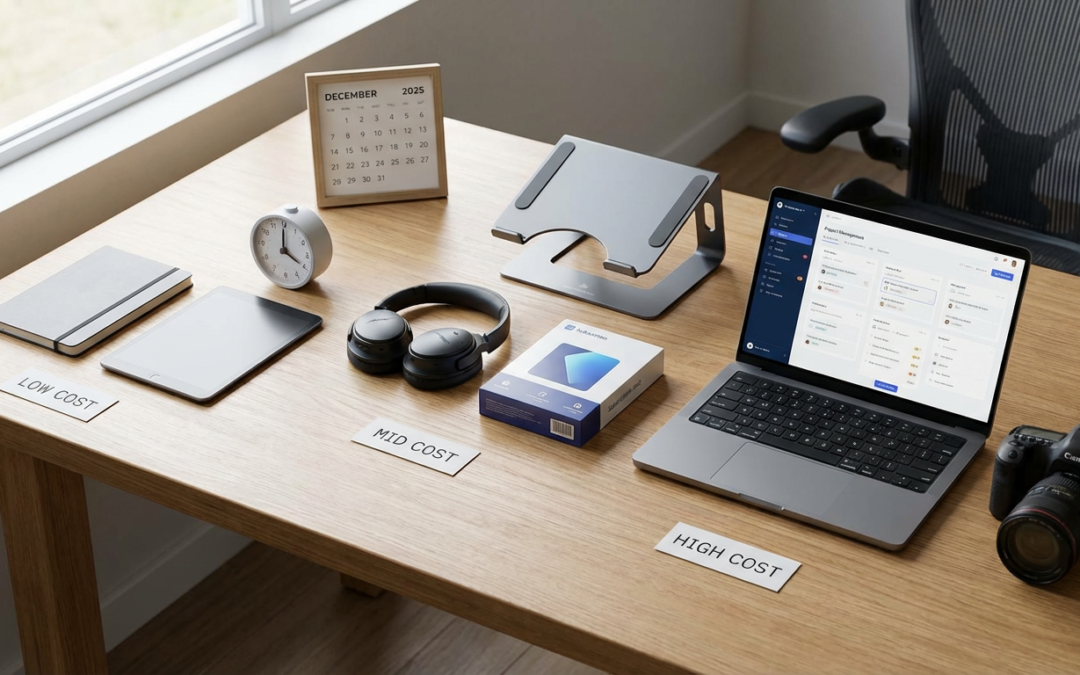
10 Beginner-Friendly Tools for Your Freelancing Business, Sorted by Cost
Starting a freelancing business can feel overwhelming when you’re staring at hundreds of software options and subscription plans. The good news? You don’t need expensive or complicated tools to run a successful freelance operation. This guide breaks down ten essential tools sorted by what they’ll cost you, with a focus on options that are simple to learn and won’t require a tech degree to operate. Whether you’re working with zero budget or ready to invest a little, these picks will help you get your business running smoothly without the stress.
- Legiit: Your All-in-One Freelance Platform (Free to Start)

Legiit gives new freelancers a complete platform to find clients, manage projects, and get paid without juggling multiple tools. You can create a profile and start offering services without any upfront costs, which makes it perfect when you’re just getting started and testing the waters. The interface is straightforward, with clear sections for your services, orders, and messages all in one place.
What makes Legiit particularly helpful for beginners is that it handles the tricky parts like payment processing and dispute resolution, so you can focus on doing great work instead of worrying about invoicing or chasing payments. The platform also includes a built-in marketplace where potential clients can find you, which means you don’t have to figure out marketing on day one. As you grow, you can upgrade to paid features, but the free tier gives you everything you need to land your first clients and start building your reputation.
- Wave Accounting: Professional Invoicing for Zero Dollars (Free)
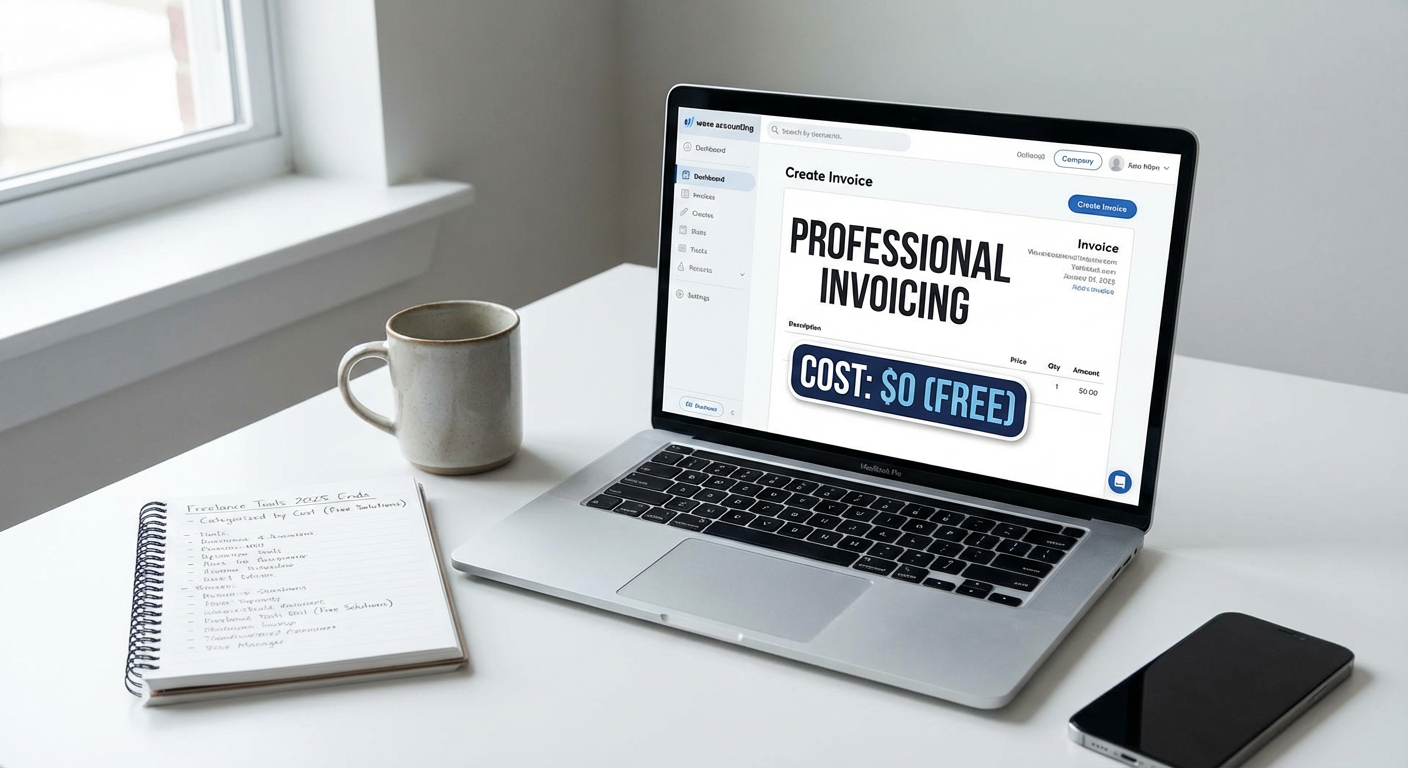
Wave offers completely free accounting software that handles invoicing, expense tracking, and basic bookkeeping without charging you a monthly fee. For someone who’s never sent a professional invoice before, Wave’s templates make you look polished and legitimate from your very first client interaction. You can customize invoices with your logo, set up automatic payment reminders, and track who owes you money all from a clean dashboard that doesn’t require an accounting background to understand.
The software also connects to your bank account to automatically import transactions, which saves hours of manual data entry and reduces the chance you’ll miss tracking a business expense at tax time. While Wave does charge a small percentage if you process credit card payments through their system, the core software remains free forever. This means you can run your entire financial operation without adding another monthly bill to your startup costs.
- Canva: Design Without the Learning Curve (Free with Paid Option)
Canva turns anyone into a capable designer with its drag-and-drop interface and thousands of templates for everything from social media posts to client presentations. The free version gives you more than enough tools to create professional-looking graphics, proposals, and marketing materials without spending weeks learning Photoshop. You simply pick a template close to what you want, swap in your own text and images, and export a finished product that looks like you hired a designer.
For freelancers who need to create content quickly, Canva’s template library is a lifesaver. You can design a complete brand identity including logos, business cards, and social media headers in an afternoon, even if you’ve never done graphic design before. The paid Pro version adds more templates and features like background removal, but most new freelancers will find the free tier covers their needs for months or even years.
- Google Workspace: Reliable Basics That Everyone Knows (Starts Around $6/Month)
Google Workspace gives you a professional email address with your own domain name plus all the familiar tools like Docs, Sheets, and Drive that you probably already know how to use. Having an email that ends with your business domain instead of @gmail.com makes you look more legitimate to potential clients, and the low monthly cost makes it one of the most affordable ways to establish that credibility. Everything syncs across devices automatically, so you can start a proposal on your laptop and finish it on your phone without thinking about file transfers.
The collaboration features are particularly helpful when you’re working with clients or subcontractors. You can share documents and get real-time feedback without the confusion of multiple file versions flying back and forth through email. Because Google Workspace uses the same interface as free Gmail and Google Docs, there’s essentially no learning curve. You can set up your account and start working professionally within an hour.
- Toggl Track: Time Tracking That Actually Gets Used (Free with Paid Option)
Toggl Track makes time tracking painless with a simple start and stop button that requires zero setup to begin using. You can track time from your browser, desktop app, or phone, and the tool automatically organizes your hours into projects and clients without complicated configuration. For freelancers who bill by the hour or just want to understand where their time actually goes, Toggl removes all the friction that usually makes people abandon time tracking after a few days.
The free version allows unlimited time tracking for up to five projects, which covers most beginners who are juggling a handful of clients. The visual reports show you exactly how much time each project consumed, making it simple to create accurate invoices or identify which clients are taking more hours than they’re worth. You can export your data to share with clients or import into your invoicing tool, and the browser extension can track time spent on specific websites if you need that level of detail.
- Grammarly: Instant Writing Confidence (Free with Paid Option)
Grammarly catches spelling mistakes, grammar errors, and awkward phrasing in real-time across everything you write, from emails to client deliverables. The free version covers all the essentials that keep you from sending embarrassing typos to clients, and it works everywhere you type including Gmail, Google Docs, and social media. For new freelancers who worry about looking unprofessional in written communication, Grammarly acts like a safety net that builds confidence in your writing.
The tool explains why something is wrong and suggests improvements, which means you actually learn better writing habits over time instead of just having your mistakes corrected. The premium version adds tone detection and advanced suggestions, but the free tier catches the errors that would actually damage your professional reputation. Installation takes about two minutes, and then it just works quietly in the background, highlighting issues with a simple underline that you can click to fix.
- Notion: Flexible Organization for Scattered Thoughts (Free with Paid Option)
Notion combines notes, tasks, databases, and wikis into one flexible workspace that adapts to however your brain works best. Instead of forcing you into someone else’s organizational system, Notion lets you build pages and databases that match your actual workflow, whether that’s a simple to-do list or a complex client management system. The free personal plan gives you unlimited pages and blocks, which is more than enough space for most solo freelancers to organize their entire business.
What makes Notion particularly beginner-friendly is the template gallery, where you can grab pre-built systems for things like project management, content calendars, or client trackers and customize them to fit your needs. You don’t need to build everything from scratch or learn database theory. The learning curve is gradual, you can start with simple pages and add complexity only when you need it. Many freelancers use Notion as their single source of truth, replacing separate apps for notes, tasks, and client information.
- Calendly: Scheduling Without the Email Tennis (Free with Paid Option)
Calendly eliminates the back-and-forth email chains of finding meeting times by letting clients book directly into your available slots. You set your availability once, share your Calendly link, and clients pick a time that works for them without any further coordination needed. The free version supports one calendar connection and one type of meeting, which covers most new freelancers who just need a simple way to schedule discovery calls or client check-ins.
The tool automatically adjusts for time zones, sends reminder emails, and adds events to both your calendar and your client’s calendar without you lifting a finger. For someone who’s never used scheduling software before, Calendly requires about ten minutes of setup where you specify your working hours and meeting duration, and then it just runs itself. The professional appearance of a scheduling link also makes you look more established than you might actually be, which helps when you’re building credibility with early clients.
- LastPass: Password Management You’ll Actually Use (Free with Paid Option)
LastPass stores all your passwords securely behind one master password, which means you can use strong, unique passwords for every client portal and business tool without memorizing anything. The free version works on one device type, either mobile or computer, and handles unlimited password storage with automatic form filling. For freelancers managing accounts across dozens of platforms, LastPass prevents the bad habit of reusing the same password everywhere or storing passwords in an insecure document.
The browser extension automatically captures new passwords as you create accounts and fills them in when you return, making the whole system invisible once you’ve set it up. You can also store secure notes for things like software license keys or client access codes that you need to reference occasionally. The interface is straightforward, with a simple vault where all your passwords live and a generator that creates strong passwords when you need them. Setting up LastPass takes about fifteen minutes, and then it saves you time and stress every single day.
- Loom: Quick Video Messages That Beat Long Emails (Free with Paid Option)
Loom lets you record your screen and camera simultaneously to create quick video messages that explain complicated ideas better than text ever could. The free plan allows videos up to five minutes long, which is perfect for giving clients updates, explaining revisions, or walking someone through a deliverable. Recording is as simple as clicking the browser extension, choosing what to capture, and hitting start, with no video editing skills required.
For freelancers who struggle to explain visual concepts in writing or who work with clients across language barriers, Loom creates clarity that emails can’t match. Your client can watch your screen while hearing your voice, pause to take notes, and rewatch sections they didn’t understand the first time. The tool automatically generates a shareable link for each video, and you can see when someone has watched it. Many freelancers find that a two-minute Loom video replaces a fifteen-minute phone call or a long, confusing email thread, saving time for everyone involved.
Building a freelance business doesn’t require a massive software budget or technical expertise. These ten tools cover everything from finding clients to getting paid, and most of them offer free versions that work perfectly well for someone just starting out. As your business grows and your needs become more specific, you can always upgrade to paid plans or explore more specialized options. For now, pick two or three tools from this list that address your biggest pain points, get them set up, and focus on doing great work for your clients. The simplest toolkit that you actually use will always beat the fanciest software that sits unused because it’s too complicated to learn.
Recent Comments