
10 Future-Ready Tools for Freelance Calendar and Time Management That Will Last
Freelancing demands smart time management, and the tools you choose today should serve you well into the future. As the business landscape shifts and client expectations grow, you need calendar and scheduling systems built to adapt. This list highlights tools that combine staying power with modern features, helping you plan your days, manage projects, and keep clients happy for years to come. Whether you’re a solo consultant or managing multiple income streams, these options offer the flexibility and longevity your business needs.
- Legiit for Service Scheduling and Client Coordination
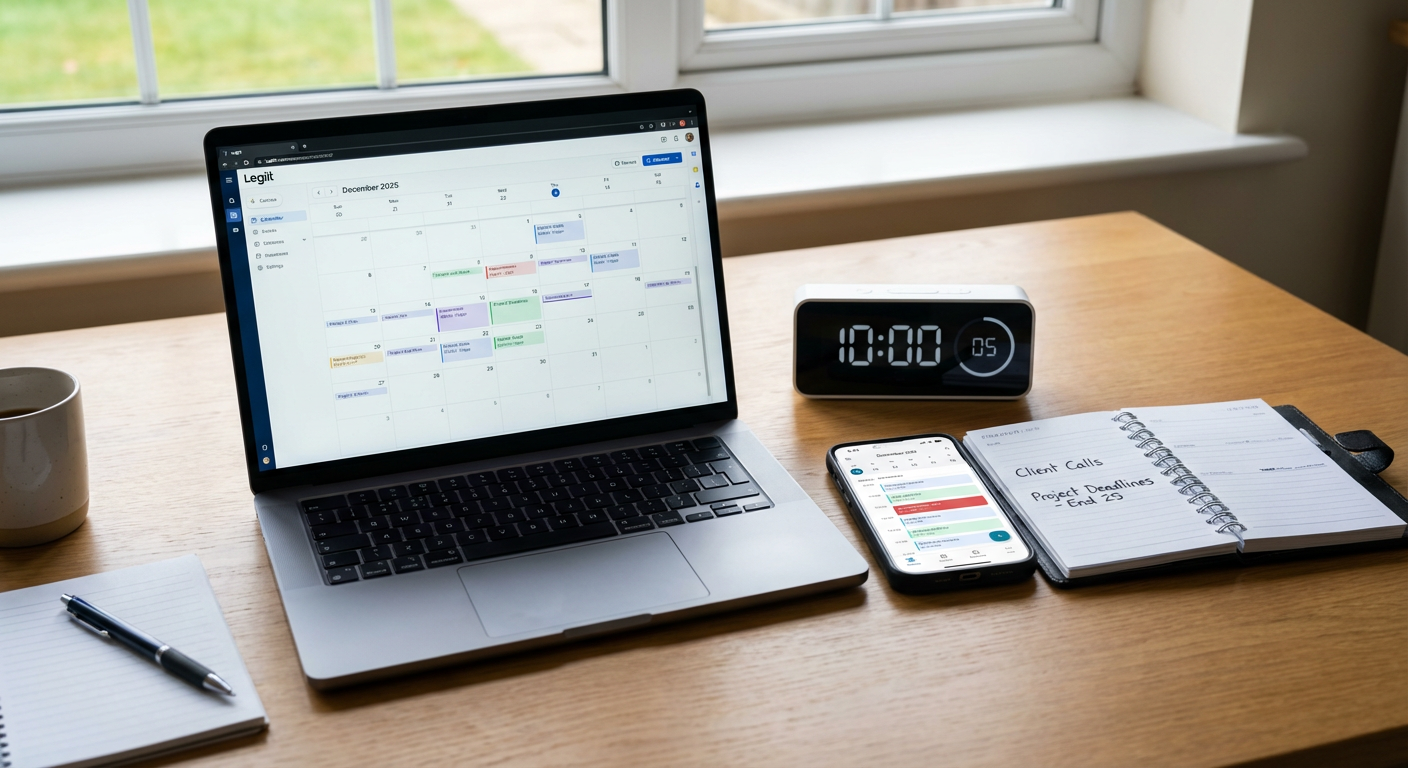
Legiit gives freelancers a platform to offer services, manage client requests, and coordinate deliverables in one place. The system handles bookings, tracks project timelines, and keeps communication organized so you can focus on the work itself. As more businesses move toward marketplace models for hiring talent, having a presence on a platform like this positions you to capture demand while keeping your schedule under control.
The built-in messaging and order management features mean less juggling between apps, and the platform continues to add functionality that aligns with how modern freelancers operate. If you’re thinking long term about where clients will look for talent, Legiit offers a solid foundation that grows with your business.
- Motion for AI-Powered Daily Planning

Motion uses artificial intelligence to automatically schedule your tasks based on deadlines, priorities, and available time. Instead of manually dragging blocks around your calendar, the system rebuilds your day as new tasks arrive or meetings shift. This approach saves hours of planning time each week and adapts to the unpredictable nature of freelance work.
The tool integrates with major calendar platforms and learns your working patterns over time. As AI becomes more central to productivity software, Motion represents where scheduling tools are headed. It handles complexity without requiring constant input, making it a strong choice for freelancers who want their systems to work harder so they don’t have to.
- Reclaim.ai for Habit and Buffer Time Automation
Reclaim.ai defends your calendar by automatically scheduling habits, breaks, and focus blocks around meetings and commitments. You set your priorities, and the system finds time for them every week without manual effort. This becomes increasingly valuable as your client load grows and your schedule gets more fragmented.
The tool also syncs personal and work calendars to prevent double-bookings and respects your preferences for when certain activities should happen. As remote work blurs boundaries between personal and professional time, tools that protect both will become standard. Reclaim.ai builds this protection into its core design, making it a forward-thinking choice for sustainable freelancing.
- Akiflow for Unified Task and Calendar Management
Akiflow consolidates tasks from multiple project management tools and displays them alongside your calendar events. You can pull items from Notion, Asana, Todoist, and other platforms into one view, then schedule them directly onto your calendar with keyboard shortcuts. This reduces context switching and keeps planning fast.
The system works particularly well for freelancers who use different tools for different clients but need a single place to see everything. As the software ecosystem continues to fragment, tools that bridge platforms will become more valuable. Akiflow’s approach to integration and speed makes it a practical choice for staying organized across diverse workflows.
- Sunsama for Intentional Daily Planning
Sunsama combines task management with calendar blocking in a deliberately slow, thoughtful interface. Each day begins with a planning ritual where you review your backlog, set intentions, and schedule specific time for each task. The tool imports items from other platforms but encourages you to actively choose what deserves your attention.
This mindful approach counters the chaos that often comes with juggling multiple clients and projects. While many tools focus on speed and automation, Sunsama prioritizes clarity and purpose. For freelancers building long-term practices around sustainable work habits, this philosophy offers lasting value that won’t go out of style.
- Clockwise for Team Meeting Optimization
Clockwise automatically moves flexible meetings to create longer blocks of uninterrupted focus time. While originally built for teams, freelancers who work with multiple clients or collaborate with agencies benefit from its ability to coordinate schedules and minimize fragmentation. The tool analyzes everyone’s calendar and suggests optimal times that work for all parties.
As freelancers increasingly work in collaborative environments rather than pure solo arrangements, coordination tools become more important. Clockwise handles this complexity in the background, making it easier to maintain deep work time while staying responsive to clients. The focus on protecting concentration time aligns with growing awareness of attention as a limited resource.
- Fantastical for Natural Language Scheduling
Fantastical lets you create calendar events and reminders using plain language. Type “lunch with client next Tuesday at noon” and it creates the event automatically, parsing details without forms or dropdown menus. The interface works across devices and integrates with all major calendar services.
The app has maintained strong performance and regular updates for years, suggesting it will continue adapting to new platforms and user needs. Natural language input becomes more important as voice assistants and quick capture methods replace traditional data entry. Fantastical’s commitment to this approach makes it a reliable long-term choice for freelancers who value speed and simplicity.
- TimeHero for Dynamic Project Timeline Management
TimeHero automatically schedules project tasks based on dependencies, deadlines, and your available calendar time. When a task runs late or a new project arrives, the system reshuffles everything to keep work on track. This dynamic approach handles the reality of freelance work better than static Gantt charts or manual task lists.
The tool works particularly well for freelancers managing multiple overlapping projects with different timelines. As project complexity increases and clients expect faster turnarounds, tools that handle scheduling logic automatically become more valuable. TimeHero’s adaptive system represents where project management is heading, making it a smart choice for building scalable workflows.
- Cron Calendar for Power Users and Keyboard Shortcuts
Cron Calendar (now part of Notion) offers a fast, keyboard-driven interface for managing your schedule. The design prioritizes speed and efficiency, with shortcuts for common actions and a clean visual layout. Integration with video conferencing tools means you can join meetings directly from calendar events.
The acquisition by Notion suggests ongoing development and deeper integration with productivity ecosystems. For freelancers who spend significant time in their calendar and value speed over simplicity, Cron offers professional-grade features without bloat. Its focus on power users positions it well as work becomes more digital and calendar management becomes more central to daily operations.
- Trevor AI for Time-Blocking with Task Integration
Trevor AI helps you schedule tasks onto your calendar using a simple drag-and-drop interface. The system pulls items from your task manager and helps you assign specific time blocks for completion. This bridges the gap between to-do lists and actual calendar commitments, making it more likely you’ll complete what you plan.
The tool also provides analytics on how you spend time and where estimates differ from reality. This feedback loop helps you improve planning accuracy over time. As data-driven approaches to productivity become more common, tools that help you learn from your patterns will offer lasting value. Trevor AI’s combination of scheduling and learning makes it a practical choice for continuous improvement.
The best calendar and time management tools for freelancers are those that adapt to change while remaining reliable. The options on this list combine modern features with thoughtful design, giving you systems that will serve your business well beyond this season. Choose tools that match how you work today but offer room to grow as your client base expands and your processes mature. Good time management isn’t about perfect schedules but about having systems that help you stay focused, meet commitments, and protect the space you need to do your best work. Start with one or two tools that address your biggest scheduling challenges, then build from there as you see what works.
Recent Comments