
17 Time-Saving Productivity Apps That Will Change Your Freelance Life Fast
As a freelancer, every minute counts. The difference between a profitable month and a stressful one often comes down to how well you manage your time. The right productivity apps can shave hours off your workweek by automating repetitive tasks, streamlining communication, and keeping your projects on track without constant manual oversight. This list focuses on apps that deliver quick wins and immediate time savings, so you can spend less time managing your business and more time doing the work that actually pays the bills.
- Legiit
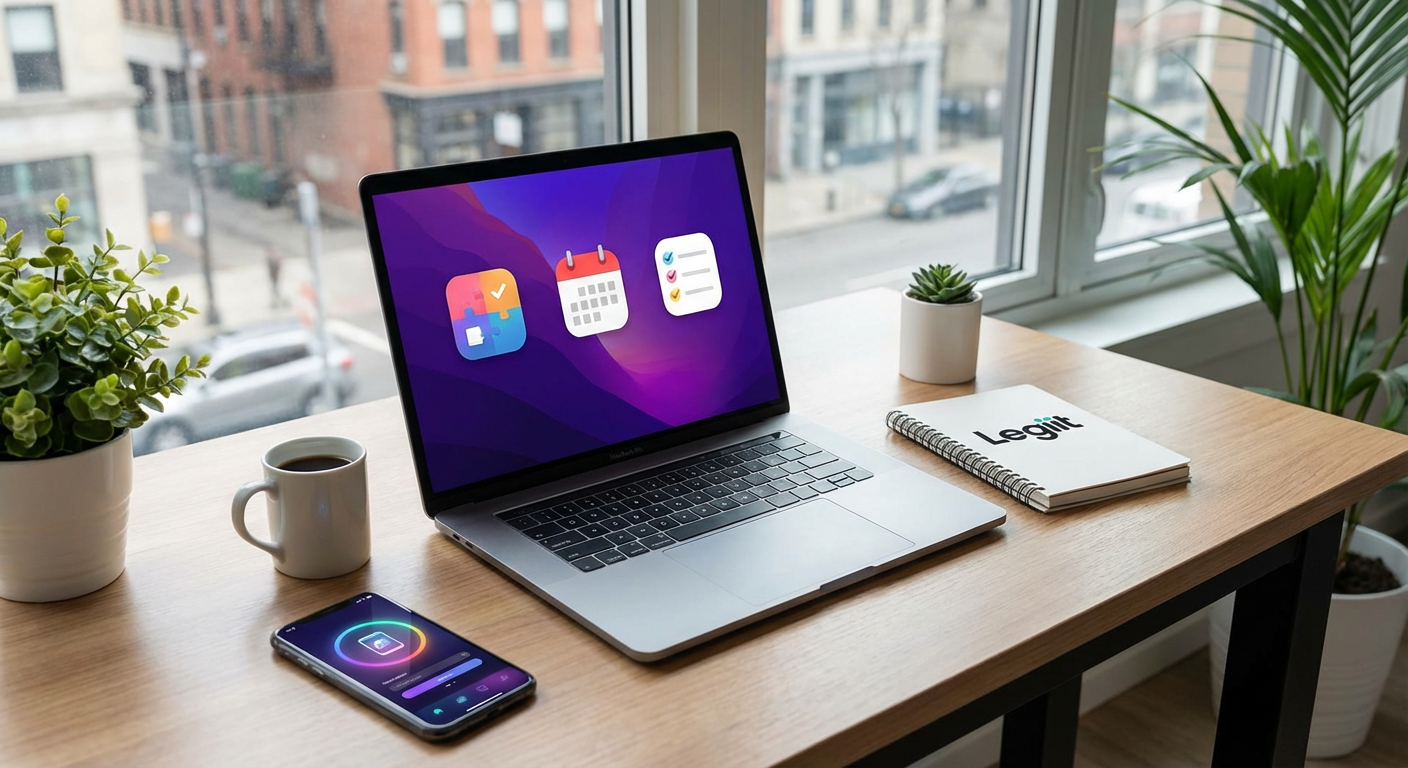
When you need to outsource tasks quickly without spending hours vetting freelancers, Legiit offers a marketplace built specifically for digital services. Instead of posting job listings and waiting for applications, you can browse pre-packaged services with clear deliverables and turnaround times. This makes it fast to delegate tasks like graphic design, content writing, or social media management when you’re swamped with client work. The platform handles contracts and payments automatically, which means less administrative work for you and more time focused on revenue-generating activities.
- Zapier
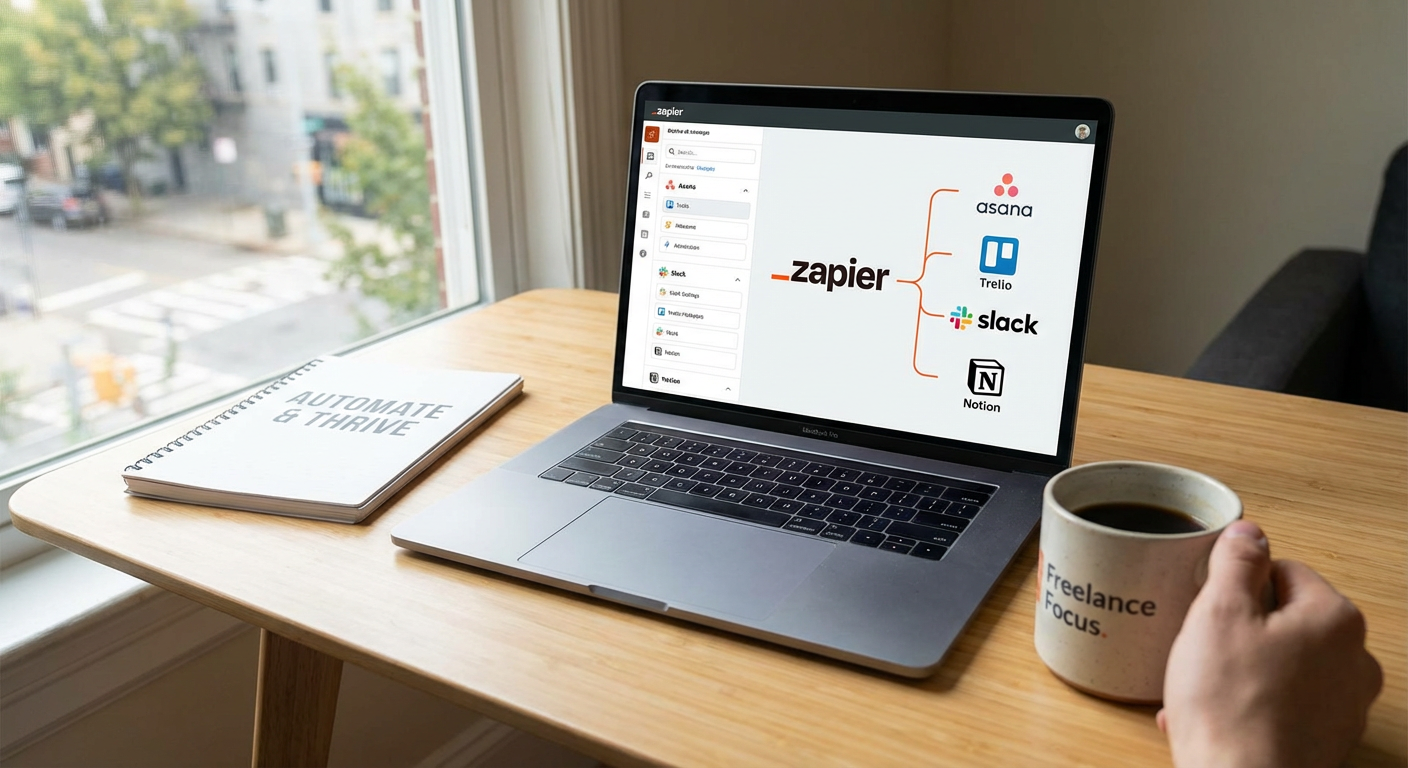
Zapier connects your apps and automates workflows without requiring any coding knowledge. You can set up automated actions, called Zaps, that trigger when certain conditions are met. For example, when a client fills out a contact form, Zapier can automatically create a new project in your task manager, send you a notification, and add the client’s details to your CRM. These automations run in the background and can save you dozens of small repetitive tasks every single day.
- TextExpander
If you find yourself typing the same responses, greetings, or explanations repeatedly, TextExpander will save you significant time. This tool lets you create shortcuts that expand into full blocks of text. Type a few characters and watch as entire paragraphs appear instantly. It works across all your applications, from email to project management tools, and can include dynamic content like dates or custom fields. Freelancers who communicate frequently with clients often reclaim several hours per week with this simple tool.
- Calendly
The back-and-forth emails trying to schedule a meeting can eat up more time than the meeting itself. Calendly solves this by letting clients book time directly on your calendar based on your availability. You set your available hours, buffer times, and meeting types, then share a link. Clients pick a time that works for them, and the appointment appears on your calendar with automatic reminders sent to both parties. This eliminates scheduling friction and gets meetings booked in seconds instead of days.
- Grammarly
Proofreading and editing take time, especially when you’re writing proposals, emails, or client deliverables. Grammarly checks your writing in real time across browsers, email clients, and document editors. It catches grammar mistakes, suggests clarity improvements, and flags tone issues before you hit send. While it won’t replace a professional editor for important projects, it dramatically reduces the time you spend on basic quality checks and helps you communicate more professionally with less effort.
- LastPass
Password management might not seem like a major time drain until you add up all the minutes spent resetting forgotten passwords, searching for login credentials, or typing complex passwords manually. LastPass stores all your passwords securely and auto-fills them when you need to log in. It also generates strong passwords instantly when you create new accounts. The time savings compound quickly when you manage multiple client platforms, social media accounts, and business tools.
- Loom
Sometimes explaining something via video takes a fraction of the time it would take to write it out. Loom lets you record your screen and your face simultaneously, creating quick video messages you can share via link. Instead of typing detailed instructions or feedback, you can show exactly what you mean in minutes. Clients appreciate the clarity, and you save time on lengthy written explanations. The videos are hosted online, so there’s no need to deal with large file transfers either.
- IFTTT
IFTTT, which stands for If This Then That, automates connections between apps and devices with simple conditional statements. You can create applets that perform actions automatically based on triggers you define. For instance, you might automatically save email attachments to cloud storage, get weather-based reminders, or sync data between platforms. The setup takes just minutes, and once your applets are running, they handle routine digital tasks without any input from you.
- Todoist
A cluttered mind wastes time because you’re constantly trying to remember what needs doing next. Todoist provides a fast, clean interface for capturing tasks and organizing them by project, priority, or deadline. The quick-add feature lets you dump tasks into the system in seconds using natural language. You can type something like “Send invoice to John next Friday” and Todoist will parse it correctly. Recurring tasks, labels, and filters help you see what matters most without sifting through noise.
- Notion
Jumping between multiple tools to find information wastes precious minutes throughout your day. Notion consolidates notes, databases, wikis, and project tracking into one flexible workspace. You can create client folders with all relevant documents, embed files, and track project status in customizable views. Templates speed up repetitive setup tasks, and everything is searchable from one place. While there’s a learning curve, the time saved once you’re up and running makes it worthwhile for many freelancers.
- Boomerang for Gmail
Email can dominate your day if you let it. Boomerang adds scheduling and follow-up features directly to Gmail. You can write emails now and schedule them to send later, which is helpful when working across time zones or managing your availability. The tool can also resurface messages if you don’t get a response within a timeframe you specify, so important emails don’t slip through the cracks. These features help you batch email work and reduce the mental load of constant inbox monitoring.
- FreshBooks
Manual invoicing and expense tracking can consume hours every month. FreshBooks automates much of this process with recurring invoices, automatic payment reminders, and expense categorization that links directly to projects. Clients can pay invoices online with one click, which speeds up your cash flow. The time tracking feature lets you log billable hours with simple timers, and generating professional invoices takes seconds instead of wrestling with spreadsheets or templates.
- SaneBox
Email overload slows you down and makes it hard to spot truly important messages. SaneBox uses intelligent filtering to sort your email automatically, moving less important messages into separate folders you can review later. It learns from your behavior over time, getting better at predicting what matters to you. Features like one-click unsubscribe and snoozing help you maintain inbox zero without spending all day sorting messages manually. Most users report saving several hours per week on email management alone.
- Clockify
If you bill by the hour or just want to understand where your time actually goes, Clockify provides free time tracking with minimal friction. Start and stop timers with one click, categorize time by project and task, and generate reports that show exactly how you spent your week. The data helps you spot time drains, bill clients accurately, and make better estimates for future projects. The browser extension and mobile apps mean you can track time from anywhere without disrupting your workflow.
- Canva
Creating graphics from scratch or hiring a designer for every small visual need consumes time and money. Canva provides thousands of templates for social media posts, presentations, proposals, and marketing materials that you can customize in minutes. The drag-and-drop interface requires no design skills, and the built-in library of photos, icons, and fonts means you’re not hunting for assets. For freelancers who need decent-looking visuals quickly, Canva dramatically reduces the time between idea and finished graphic.
- Krisp
Background noise during client calls wastes time with interruptions and requests to repeat yourself. Krisp uses AI to remove background noise from both sides of a call in real time. Dogs barking, construction sounds, keyboard typing, and other distractions get filtered out automatically. This makes your calls clearer and more professional, reducing misunderstandings and the need for follow-up clarification. It works with any conferencing app and requires minimal setup, making it a quick win for remote freelancers.
- Pocket
Research and staying current in your field are important, but they can turn into time sinks if you’re not careful. Pocket lets you save articles, videos, and web pages to review later when you have dedicated time. Instead of getting pulled into reading during work hours, you can quickly save items and return to them during downtime. The app works offline and strips away clutter for distraction-free reading. This simple tool helps you separate consumption from production, keeping your focused work time protected.
The apps on this list share one important quality: they save you time almost immediately after you start using them. You don’t need to implement all seventeen at once. Pick two or three that address your biggest time drains right now, set them up properly, and let them run for a few weeks. Once those become habits, add another. Small efficiency gains compound over time, and before long, you’ll find yourself with extra hours in your week to take on better clients, increase your rates, or simply enjoy some well-deserved downtime. Your freelance business runs on your time, so protect it fiercely.
Recent Comments