

Essential Tools Every Bootstrapped Startup Needs to Survive and Thrive
Starting a business with limited funds means every dollar counts. You need tools that deliver real value without draining your bank account. This list focuses on practical solutions that bootstrapped startups actually use to get work done, serve customers, and grow their business. These aren’t the flashiest options on the market, but they’re reliable, affordable, and built for founders who need to move fast without wasting money on features they’ll never use.
- Legiit for Affordable Expert Services
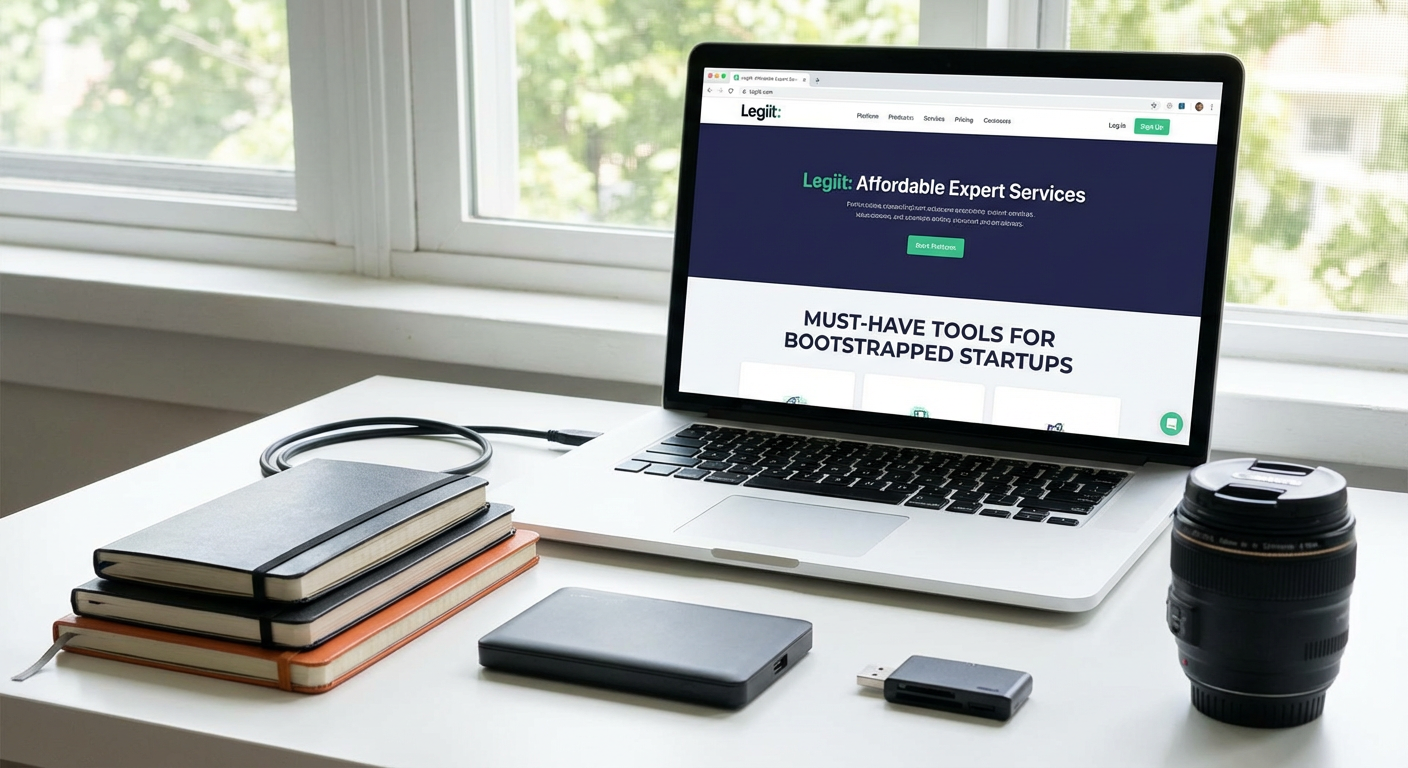
When you’re bootstrapping, you can’t afford to hire full-time specialists for every function your business needs. Legiit connects you with freelancers who specialize in startup-friendly services like logo design, content writing, social media management, and technical tasks. The platform focuses on providing quality work at prices that make sense for early-stage companies.
What sets Legiit apart is the focus on digital marketing and business growth services that startups actually need. You can find experts who understand the constraints of a bootstrapped business and deliver results without requiring massive budgets. The fixed-price model means you know exactly what you’re spending before you commit, which helps with tight budget planning. For founders wearing too many hats, Legiit offers a way to delegate tasks without the overhead of traditional hiring.
- Wave for Simple Accounting

Accounting software can get expensive fast, but Wave offers a free option that covers the basics most bootstrapped startups need. You can create and send invoices, track expenses, and generate financial reports without spending a cent. The interface is straightforward enough that you don’t need an accounting degree to understand what’s happening with your money.
Wave makes money by charging for payment processing and payroll services, which means the core accounting features stay free. This model works perfectly for early-stage startups that need to track cash flow but aren’t ready to pay monthly fees for advanced features they won’t use yet. As your business grows and your needs become more complex, you can either stick with Wave and add paid features or transition to more powerful software once you have the budget for it.
- Notion for Everything Documentation
Bootstrapped startups need to document processes, track projects, and organize information, but they don’t need separate tools for each function. Notion combines note-taking, project management, wikis, and databases into one flexible workspace. You can create product roadmaps, write standard operating procedures, maintain a company wiki, and manage tasks all in the same place.
The free plan is generous enough for small teams to get real work done without upgrading. You can build custom workflows that match how your team actually works instead of forcing your processes into rigid templates. The learning curve is steeper than simpler tools, but the payoff is worth it. Once you understand how Notion works, you can replace three or four other subscriptions with a single tool. For founders who value flexibility and want to avoid tool sprawl, Notion is hard to beat.
- Calendly for Meeting Scheduling
The back-and-forth of scheduling meetings wastes time you don’t have as a bootstrapped founder. Calendly eliminates the email tennis by letting people book time directly on your calendar based on your availability. You set your working hours and meeting types, share a link, and let others pick a time that works for everyone.
This tool becomes especially valuable when you’re juggling customer calls, investor meetings, and team check-ins throughout the week. The free version handles basic scheduling needs, while paid plans add features like team scheduling and automated reminders. The time you save not coordinating schedules adds up quickly, and the professional impression it creates is a nice bonus. Calendly isn’t fancy, but it solves a real problem efficiently and affordably.
- Canva for Visual Content
Bootstrapped startups need decent graphics for social media, presentations, and marketing materials, but they usually can’t afford a professional designer for every visual. Canva provides templates and tools that let non-designers create presentable graphics quickly. You can make social media posts, pitch decks, flyers, and basic brand materials without needing design skills or expensive software.
The drag-and-drop interface and massive template library mean you can produce something usable in minutes instead of hours. While the results won’t match what a professional designer creates, they’re good enough for most early-stage needs. The free version includes plenty of templates and elements, though you’ll hit limits on premium assets and advanced features. For startups that need to look halfway professional on a shoestring budget, Canva delivers real value.
- Google Workspace for Core Communication
Email, file storage, and document collaboration are non-negotiable for any startup. Google Workspace bundles Gmail, Drive, Docs, Sheets, and Meet into one affordable package. Using a custom domain for your email looks more professional than free consumer email addresses, and the collaboration features let team members work together in real time without version control nightmares.
The pricing is reasonable compared to cobbling together separate solutions for each function. Everything syncs automatically, works on any device, and integrates with countless other tools. The storage limits on the basic plan are sufficient for most early-stage startups, and you can always upgrade as your needs grow. Google Workspace isn’t exciting, but it provides the fundamental infrastructure your startup needs to communicate and collaborate effectively.
- Mailchimp for Email Marketing
Building an email list from day one gives you a direct channel to potential customers that you actually own. Mailchimp makes it straightforward to collect email addresses, send campaigns, and track basic metrics. The free tier supports up to 500 contacts and 1,000 sends per month, which is plenty when you’re just starting to build your audience.
The templates are functional if not beautiful, and the automation features let you set up welcome sequences and basic nurture campaigns without manual work. As your list grows, you’ll eventually need to upgrade or switch to a more cost-effective alternative, but Mailchimp gets you started without upfront costs. The interface is beginner-friendly, and the reporting gives you enough data to understand what’s working. For bootstrapped founders who need to start collecting and emailing subscribers today, Mailchimp removes the barriers to getting started.
- Loom for Async Video Communication
Remote work and distributed teams are common for bootstrapped startups trying to access talent affordably. Loom lets you record quick video messages to explain concepts, provide feedback, or share updates without scheduling another meeting. You can record your screen, your camera, or both, then share a link instantly.
This tool shines when you need to show rather than tell. Instead of writing a long email explaining a bug or walking someone through a process, you can record a two-minute video that captures everything clearly. The async nature means people can watch on their own schedule, which helps when team members work across different time zones. The free plan includes enough recording time for regular use, and videos are stored in the cloud so you don’t fill up your hard drive. Loom won’t replace all your meetings, but it can eliminate plenty of them.
Bootstrapped startups succeed by being smart with resources, not by having unlimited budgets. The tools on this list share a common thread: they solve real problems without requiring big investments upfront. Some offer free tiers that cover basic needs, while others charge reasonable prices for essential features. As your startup grows and your needs change, you can always upgrade or switch tools. The key is starting with solutions that let you focus on building your product and serving customers instead of wrestling with complicated or expensive software. Pick the tools that fit your immediate needs, learn them well, and add others only when you have a clear reason to do so.
Recent Comments